Best SoCs for Rugged Android Handhelds and Barcode Scanners#
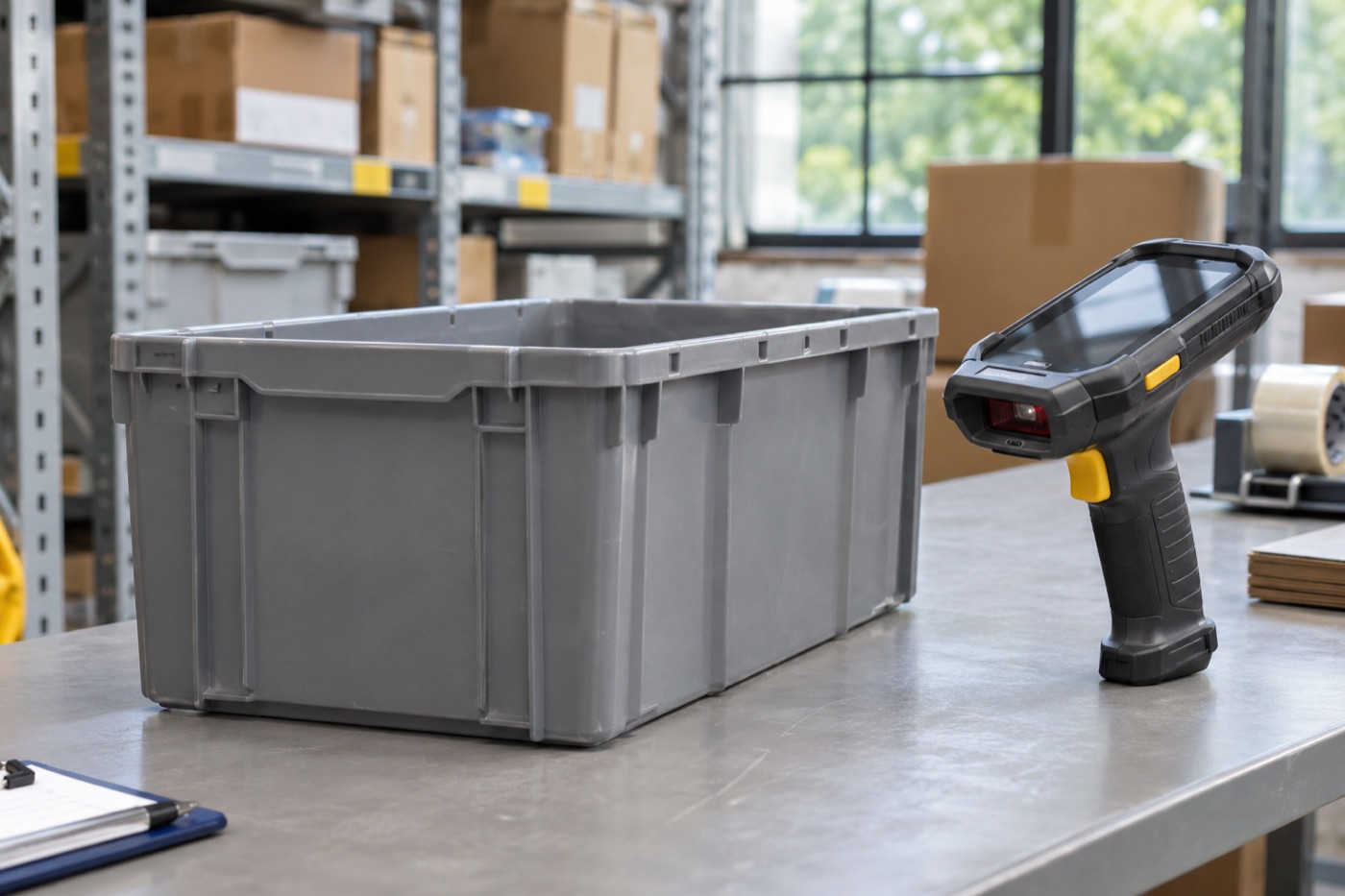
AI-generated engineering illustration.
Start With A Complete Scan And Sync#
For a dedicated warehouse scanner, choose an Android platform with a supported scan engine, a maintained device image, and a radio design that works in the building. A Qualcomm QCS4290-class platform is worth evaluating for a Wi-Fi handheld when the supplier can demonstrate that complete package. Price a cellular-capable variant or separate modem design only after defining the locations where users need it. If the product has one narrow job and little need for Android enterprise applications, compare a fixed-function terminal before adopting a general-purpose OS.
A successful scan has several steps. The operator triggers the engine, the engine decodes a symbol, the application associates the result with the correct job, and the system records the transaction. Ask a supplier to demonstrate the entire operation on the shipping image. The Qualcomm QCS4290 connected handheld guide explains what to request from the board or module vendor.
Price Three Different Products#
| Device workload | First option to evaluate | Workload to demonstrate |
|---|---|---|
| Dedicated warehouse scanning | Wi-Fi Android platform and a dedicated scan engine | Rapid repeat scans, trigger wake, feedback, offline queue, roaming |
| Field service and proof of delivery | Mobile-capable Android platform with regional radio and antenna support | Scans, photos, cellular reconnect, location, and background upload together |
| Simple fixed workflow | MCU or Linux terminal paired with a decoded scan module | Input latency, safe transaction storage, and support without Android fleet tooling |
For a device that will run third-party applications, ask for the actual enterprise management and application distribution requirements. A vendor image that boots Android can still fall short of the customer’s device policy, application distribution or update procedures. Review the Android panel BSP qualification questions as a reference for hardware and software evidence, then add requirements specific to the trigger, battery and field network.
Choose The Scan Engine Before Locking The Processor#
Write down the required symbologies, smallest expected code, scan distance, and difficult surface conditions. Include damaged labels and glossy wrapping from the actual deployment. Decide if the product needs a dedicated scan engine with an aimer or whether a camera-based decoder fits the workflow. Judge local decode rate, trigger-to-feedback latency, and operator ergonomics with gloves and the eventual enclosure.
Specify how a scan reaches the application. Keystroke emulation can support a basic form when focus handling is predictable. Structured delivery can retain metadata and distinguish sources or symbologies. For example, Zebra documents an Android intent-based delivery option in DataWedge. Treat it as a reference for the sort of behavior to verify. Confirm the API offered by your own device supplier and test it after an application update or service restart.
A useful end-to-end test starts with consecutive scans while the application transitions between screens. Include a duplicate label, a label scanned while the UI is busy, and switching from offline to online. The device should acknowledge only the transactions that met its storage policy. Give incomplete or rejected scans a distinct audio, visual, or haptic response that an operator can recognize under normal working conditions.
Measure Power Across A Real Shift#
Turn a shift into a repeatable duty cycle. Include screen brightness by location, scan frequency, time in suspend, reconnects, bursts of CPU work, and uploads. Measure current or energy across those stages with the approved battery, then verify an extended cycle with the pack and housing used in the product. Record idle drain and time to wake the scan trigger. A fast processor on a development kit is a poor basis for predicting standby behavior in a rugged unit.
Decide how the workflow handles battery replacement. Some products save progress and restart. Others require enough hold-up to survive a controlled swap. In either case, check what happens to the last transaction, display state, and queued sync. Use the embedded Linux power-loss recovery guide for principles that also apply to the underlying storage and power path of Android devices.
Walk The Site With The Radio Design Installed#
Roaming behavior depends on the client image, the access-point configuration, RF conditions, and the application. Put the final antenna and enclosure on the prototype before doing a useful walk test. Follow the operator routes between aisles, loading bays and staging areas. Record interruption duration and the number of scans successfully queued and delivered when the device reconnects.
For field handhelds, confirm the required regions, bands, network policies, SIM or eSIM options, and antenna design with the supplier. Document responsibility for radio approvals and changes to the module or enclosure. Use the delivered modem firmware in the test and include common transitions between Wi-Fi and cellular. End-to-end workflow recovery matters more than a peak link speed on the data sheet.
Qualify The Images The Fleet Will Receive#
Run the intended device-owner or managed enrollment flow on a clean unit. Install the scanning application, set the network policy, stage an update, and confirm that trigger mapping and peripheral permissions survive. Test access restoration after a damaged application install, a depot reset, and a unit exchanged on the floor. A defined recovery path is valuable when a technician cannot attach a debugger at the site.
Before approving a board, archive the Android build identifier, patch date, power profile, scan service version, and radio firmware. Keep the written maintenance terms with the embedded BSP acceptance checklist and confirm that someone owns the factory and field update images. Compare the cost of keeping that configuration healthy against the upfront hardware savings of another candidate.
Include docks, spare batteries, and service chargers in the quote. Try the approved dock during screen-off operation and immediately after a battery swap. Verify how the device advertises charging state, and whether USB accessories reattach correctly after docking. Inventory teams should also know which hardware and image versions can replace an existing device in the middle of a shift. A good pilot hands a spare to an operator, restores their managed configuration, and demonstrates that the original device’s unfinished work can be recovered without accepting the same transaction twice.
FAQ#
Is a high-resolution camera enough for warehouse barcode scanning?
It can be sufficient for some intermittent workflows. Validate the actual working distance, motion, light, difficult labels, aiming, and feedback requirements before choosing a camera over a dedicated engine.
Can I infer shift battery life from the SoC specification?
Use the board, battery, radio, display and scan engine together in a representative shift test. The SoC specification helps identify candidates and test conditions.
Source Notes#
Reviewed November 23, 2026. Primary references include Qualcomm’s QCS4290 product material, the QCS4290 and QCM4290 SoC Product Brief, and Zebra Technologies TechDocs, DataWedge Intent Output. The workflow, power and roaming checks are editorial recommendations. Applicability depends on the supplier image and final handset.