Rockchip RK3506 Guide for Compact Linux Controllers#
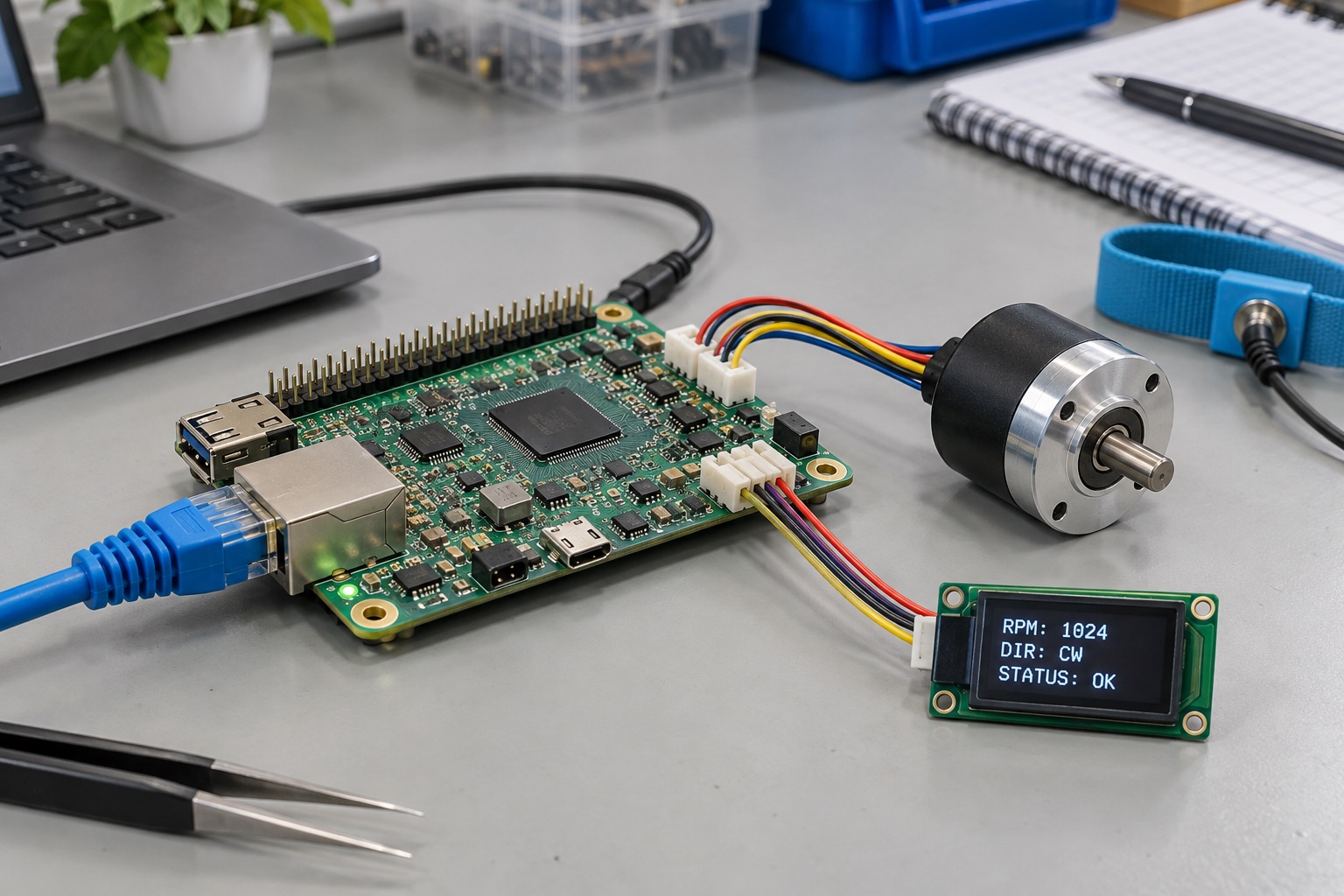
AI-generated engineering illustration, not a photograph of a verified RK3506 board or a measured test setup.
Quick Answer#
Rockchip RK3506 is worth evaluating for compact Linux controllers, simple operator interfaces, and connected equipment whose requirements are smaller than a multimedia SBC workload. Its architecture combines three Cortex-A7 application cores with a Cortex-M0. The RK3506G2 implementation in Luckfox Lyra includes 128 MB DDR3, but that configuration should not be generalized to every RK3506 variant or board. See the board manufacturer’s Lyra documentation.
The selection question is whether the complete product can remain responsive within a modest memory and software budget. RK3506 is not a miniature substitute for every feature of RK3568 or RK3588. This guide presents a qualification method rather than claimed benchmark results, measured power consumption, or a guaranteed industrial lifecycle.
Start With The Control Task#
Define what the product must do locally. A small controller may sample inputs, update a status screen, log events, and communicate with a supervisory system. Write down sample rates, maximum response delay, retained history, and behavior during network loss. Those details matter more than the number of processor cores.
Separate operator interaction from time-critical action. A button that changes a menu and an input that must stop a process are not equivalent timing requirements. Decide which functions can tolerate Linux scheduling delays and which need another execution domain or external controller. Do not let a convenient prototype establish an undocumented control architecture.
| Product Direction | Why Consider RK3506 | Early Rejection Criterion |
|---|---|---|
| Compact Linux instrument | Small application with local peripherals | Required software exceeds memory budget |
| Basic status panel | Limited graphics and clear interactions | Rendering cannot meet response targets |
| Connected equipment controller | Linux networking plus local I/O | Unbounded timing requirements |
| Audio-oriented appliance | Dedicated audio processing workload | Unsupported interface or software dependency |
| Rich browser terminal | Usually needs a larger platform | Browser and graphics dominate resources |
This table is an editorial shortlist, not a compatibility certificate. Each design still needs evidence from its exact board, peripheral set, and firmware baseline.
Variant Names Are Purchase Specifications#
Record the full chip and module ordering codes before estimating memory or allocating interfaces. The RK3506G2 datasheet hosted by Luckfox is a chip document; the Lyra schematic describes a particular board. Neither should be treated as a substitute for the other.
Check which signals are actually exposed and which are committed to memory, boot storage, debug, or onboard devices. A controller interface still needs its physical-layer components and protection where applicable. An Ethernet-related feature does not mean every board includes the same connector, PHY, isolation, or network-port configuration.
Avoid approving substitutes by family name alone. A purchasing change can alter memory capacity, temperature qualification, boot configuration, or available pins. Keep a short list of approved alternatives with the corresponding software and fixture changes. That list is more useful than an informal assumption that all RK3506 boards are interchangeable.
Build A Small Linux Image Deliberately#
Start from a supported board image and identify the components needed by the final product. Record bootloader, kernel, device tree, C library, application framework, and update tooling. Remove unused services only after understanding their role. A smaller image is helpful when it improves boot time or resource margin, not simply because its download size looks attractive.
Measure memory after enabling production logging, networking, and recovery services. Include peak allocations during reconnects, configuration changes, and software updates. A command-line demonstration can run successfully while a complete product later fails under memory pressure. Preserve the kernel logs and process-level memory data from stress runs.
Choose Buildroot or Yocto according to maintenance needs and supported board integration. Do not assume an SDK archive guarantees either workflow is already production-ready. A clean rebuild on another machine is an early acceptance test for the software delivery, not a final deployment milestone.
Understand Multicore Ownership#
Multiple application cores and a smaller control core create options, but also introduce coordination work. Determine which software starts each core, owns each peripheral, and manages shared memory. The Luckfox multicore architecture guide provides a concrete implementation reference for its platform.
If using asymmetric multiprocessing, define the message format, versioning, timeout behavior, and reset handshake between domains. A peripheral should not be configured independently by two software components. Shared memory needs a documented ownership and coherency strategy rather than an assumption that every write is immediately visible everywhere.
Test one domain failing while another remains active. Linux restarting must not leave a stale command accepted as a new one, and a control-core restart should be detectable. Keep recovery behavior explicit, especially where outputs affect connected equipment. Processor separation alone does not establish deterministic behavior or functional safety.
Keep The Display Workload Bounded#
Select the resolution and interface from the actual panel requirement. Calculate storage before choosing buffering. A 480 by 272 RGB565 frame occupies 261,120 bytes; two frames require 522,240 bytes before application objects and other data. This is a storage calculation, not a prediction of achievable frame rate.
Test redraws alongside sensor polling, logging, and network traffic. Limit unnecessary animation if it consumes resources without improving operator decisions. Capture the delay from physical input to visible response, and include slow paths such as opening a history screen or loading a new language resource.
A simple native GUI may be more practical than a browser interface, but the decision should follow application needs. Rewriting an existing web application has its own engineering cost. Compare that cost against selecting a processor with a software environment already suited to the product.
Validate Boot, Power, And Storage#
Measure boot time to useful operation rather than to the first console message. Include filesystem checks, peripheral initialization, network readiness where required, and application recovery. Decide which local functions can begin before remote services are available. This often improves perceived reliability more than reducing a single bootloader delay.
Interrupt power during settings writes and logging. The device should return with a valid configuration or an explicit recoverable state. Define write frequency, retention, and storage wear assumptions. A prototype that stores every sample indefinitely can conceal a field-maintenance problem even when CPU utilization remains low.
Test with the intended supply, cable, and enclosure. Brownouts can look like kernel failures or intermittent peripheral defects. Keep reset causes and supply observations together so the team does not repeatedly adjust software around an electrical problem. Add thermal observations under the full workload rather than assuming low complexity means negligible heat.
Production Evidence Checklist#
| Evidence | Minimum Useful Record |
|---|---|
| Software baseline | Source revisions, configuration, toolchain, rebuild result |
| Timing | Input-to-action delay under concurrent workload |
| Resource use | Memory peaks, storage growth, CPU occupancy |
| Recovery | Interrupted writes, watchdog events, domain resets |
| Hardware identity | Exact silicon variant, board revision, memory and storage |
Set pass criteria from the equipment requirements before testing. Preserve failure cases with the passing report so later releases can repeat them. For a controller, predictable degraded behavior and recoverability may be more valuable than the best performance observed during an uninterrupted demonstration.
FAQ#
Is RK3506 a 64-bit Cortex-A platform? Its Cortex-A7 application cores are a 32-bit architecture. Verify that application binaries and dependencies support the selected Linux userspace rather than assuming compatibility with a 64-bit SBC image.
Does every RK3506 board have 128 MB RAM? No. That figure describes the cited RK3506G2 Lyra implementation. Use the exact variant and board documentation for capacity and connection details.
When is RK3568 a better candidate? Compare RK3568 when richer graphics, a larger software environment, or additional platform capabilities justify the change. Evaluate complete boards and supported software, not family numbers alone.
Sources And Editorial Basis#
Reviewed September 18, 2026. Architecture and board facts follow the linked manufacturer documentation and RK3506G2 datasheet. Workload examples and acceptance criteria are proposed engineering methods, not measured results. See the Rockchip overview, industrial HMI guide, and editorial policy.