TI AM62P Guide for Multi-Display HMI and Video#
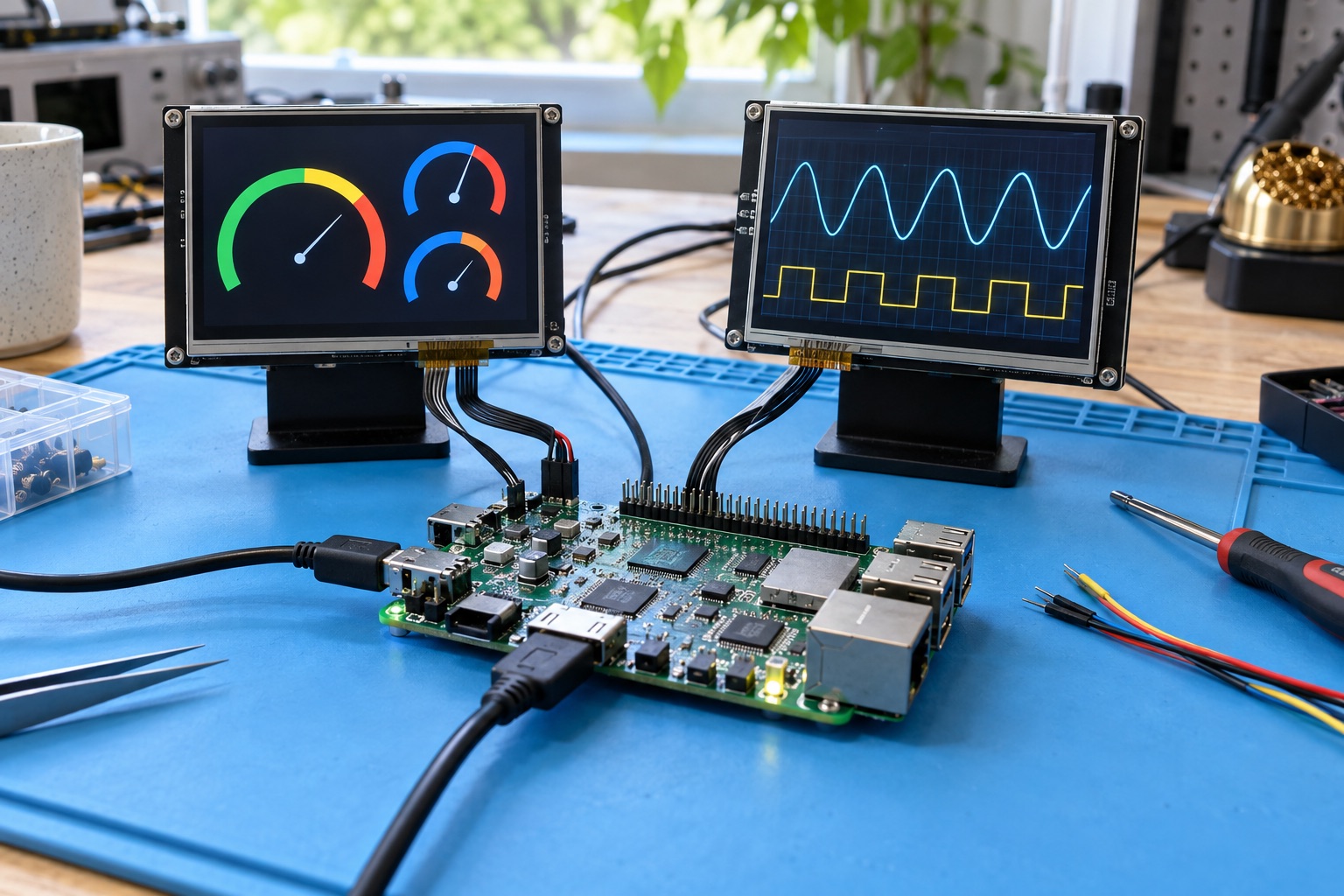
AI-generated application illustration, not a photograph of a qualified TI development board or measured display configuration.
Quick Answer#
TI AM62P is a Sitara processor family to evaluate when an HMI or connected terminal needs more substantial display and media functionality than a basic control panel. TI documents Cortex-A53 application processing, a 3D GPU, video acceleration, and software offerings for Linux, Android, and MCU development. Start with the official AM62P product page and the documentation for the exact device.
The reason to shortlist AM62P is the complete user-interface workload, not a claim that every AM62-branded processor is interchangeable. This guide focuses on display integration, software delivery, and system qualification. It provides proposed test methods rather than an in-house benchmark or a promise of frame rates on an unspecified board.
Distinguish The Product From Nearby Families#
The AM62 naming pattern covers different design priorities. A basic Linux HMI, a vision-oriented application, and a display-rich terminal do not need the same hardware. Compare AM62P against the required functions rather than treating its name as a universal upgrade path from every AM62x configuration.
Use AM62x as context for ordinary HMI and gateway selection, and AM62A when local vision acceleration drives the architecture. Do not assume a processor selected for video handling provides the same inference capabilities as a vision-focused part. Check the feature matrix before evaluating benchmark numbers.
| Workload | Why Evaluate AM62P | What Must Be Demonstrated |
|---|---|---|
| Operator panel with video | Interface and media in one platform | Playback without input stalls |
| Multiple information displays | Coordinated display requirements | Supported simultaneous modes |
| Connected retail terminal | UI, peripherals, and remote management | Recovery and update behavior |
| Headless gateway | Possible but workload-dependent | Benefit over a simpler platform |
| AI-first camera system | Requires a separate capability review | Model runtime and acceleration path |
These entries express product fit, not guaranteed interface combinations. The selected board and SDK must support the configuration that will actually ship.
Specify Display Modes Precisely#
Write down each display’s resolution, refresh rate, orientation, color format, and interface. State whether screens mirror one another or show independent content. A processor supporting several output types does not automatically support every maximum mode simultaneously; routing, clocks, memory bandwidth, and software constraints all need review.
Calculate buffer storage as a first estimate. One 1920 by 1080 buffer at four bytes per pixel occupies 8,294,400 bytes. Two displays with three such buffers each require 49,766,400 bytes before application surfaces, video buffers, and other allocations. This arithmetic describes raw storage only, not attainable display performance.
Document the panel and bridge components alongside the processor. Touch input, backlight control, reset timing, and power sequencing are part of the display product. A screen that illuminates after manual commands is not yet a reliable boot-to-interface implementation.
Test Graphics And Video Together#
Create a representative scene with the actual GUI framework, fonts, charts, and animations. Then add video playback or capture if the product uses it. Measure input response and missed frames during storage activity, networking, and background updates. Separate successful examples can hide contention that appears only in the combined workload.
Check whether the chosen application reaches hardware acceleration through the supported software path. Installing a media framework does not prove that decoding or rendering is accelerated. Record the pipeline, plugins, formats, and CPU utilization so the team can detect accidental software fallback after an update.
Test media changes and failures, not only a continuous ideal clip. Include unsupported content, source disconnects, resolution changes, and an unavailable network stream. The interface should show a useful state and remain responsive. A codec feature list cannot answer these product-level questions.
Select An SDK By Deliverables#
TI’s AM62P software page is a starting point for available SDKs. Select the baseline that supports the board and required operating system, then archive the precise release notes and build instructions. The existence of both Linux and Android offerings does not establish identical peripheral coverage or application behavior.
For Linux, review the kernel, device tree, graphics stack, multimedia components, and update system together. For Android, add application lifecycle, permissions, display policy, managed-device behavior, and security patch responsibilities. An engineering sample image should become a controlled product build before any claim of production readiness.
Request a clean rebuild from the board supplier. Determine which binaries are redistributed, which sources are available, and which components require special access or licensing. The person responsible for future security fixes must be able to identify and rebuild the affected software without relying on an undocumented vendor workstation.
Keep Control Behavior Independent Of UI Failures#
An industrial panel may display machine state without directly controlling a critical process. Make that boundary explicit. If the application also owns control functions, define deadlines, failure handling, and resource isolation. A smooth interface is not evidence that control timing is bounded under every condition.
Assign peripheral ownership across the supported processing domains. Document how Linux communicates with any separate firmware and what happens after either side resets. A stale command or mismatched firmware version should be detected rather than silently accepted. Test this behavior while the interface and network are busy.
For equipment with formal safety requirements, use the appropriate part, documentation, and system development process. Automotive-related claims for an AM62P-Q1 variant should not be generalized to an arbitrary AM62P board or finished industrial panel. Qualification scope must remain tied to the actual product.
Boot And Update The Complete Terminal#
Measure time to a usable local screen, including touch readiness and valid application state. Distinguish local readiness from cloud connectivity. If the network is unavailable, an operator should still receive a defined interface rather than an indefinite startup spinner that hides the failure.
Design application and data updates together. A rollback image must understand retained settings, UI resources, and communication formats. Test interrupted writes and unsuccessful first boots with the production partition layout. Merely restoring the old executable does not prove that the terminal is usable again.
Keep service recovery practical. Define which ports remain accessible in the enclosure, whether a technician can install an authorized recovery image, and how customer data is preserved or removed. Verify the documented steps on a secured pilot unit rather than assuming development-board access remains available after shipment.
Thermal And Power Qualification#
Test inside the final enclosure with the intended display brightness and simultaneous media workload. The display backlight, power conversion, storage, and wireless hardware can contribute heat alongside the processor. Record board temperatures and application behavior over time, not just the processor’s peak temperature during a short demo.
Capture power transitions during startup, display sleep, wake, and sudden input loss. Check whether the terminal resumes with correct touch mapping and media state. Small sequencing defects often appear as intermittent blank screens that are hard to reproduce from ordinary application logs.
A Useful Acceptance Report#
| Area | Evidence |
|---|---|
| Displays | Exact panels, simultaneous modes, orientation and interface |
| Responsiveness | Input-to-visible-response delay under full workload |
| Media | Formats, pipeline, acceleration status and failure behavior |
| Recovery | Power loss, application crash, failed update and wake tests |
| Baseline | Board revision, SDK, build manifest and supplier commitments |
Set thresholds before the pilot run. Retain representative failure inputs and the configuration that produced each result. This gives later firmware releases a repeatable comparison and helps procurement understand why a superficially similar board may require new qualification.
FAQ#
Is AM62P automatically the best AM62 choice? No. Match the processor to the display, media, inference, and control requirements. A simpler workload may be better served by another family member.
Do advertised display limits apply simultaneously? Not without checking the supported configuration. Confirm interface routing, memory traffic, clocks, and SDK constraints for the actual board.
Does TI’s SDK replace board-vendor support? No. Carrier hardware, panels, power sequencing, and custom peripherals still need an identified integration and maintenance owner.
Sources And Related Guides#
Reviewed September 18, 2026. Platform facts follow the linked TI product and SDK pages; detailed limits require the AM62P datasheet. Tests are recommendations, not reported laboratory results. Continue with industrial HMI selection and Android versus Linux BSP.