ESP32-C5 Guide: Dual-Band Wi-Fi 6 for Connected Embedded Products#
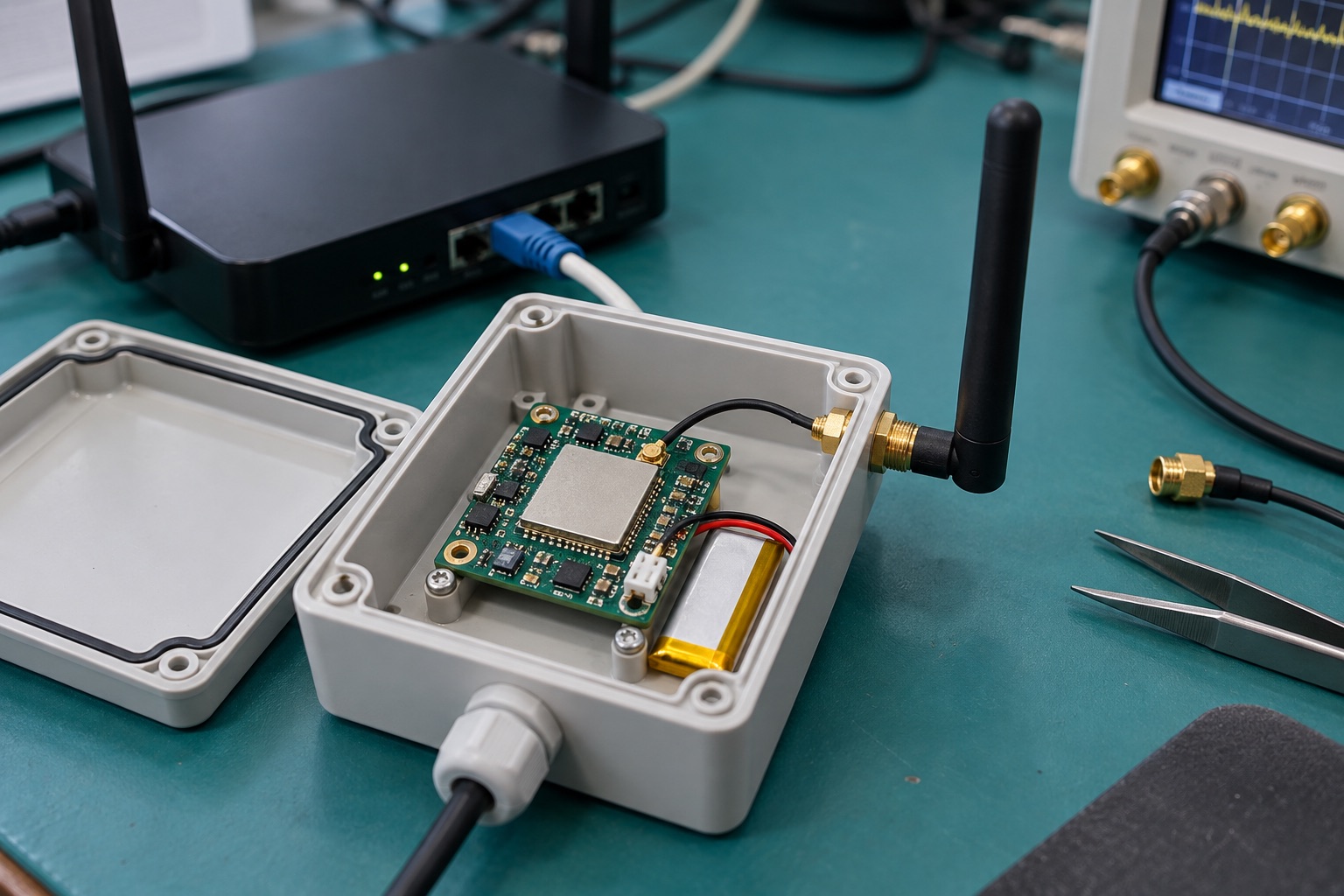
AI-generated engineering illustration, not a verified ESP32-C5 board photograph or a measured test setup.
Quick Answer#
ESP32-C5 is a candidate when an MCU-based connected product needs access to both 2.4 GHz and 5 GHz Wi-Fi networks. Dual-band operation expands deployment options, but it does not guarantee better range, lower energy use, or uninterrupted connectivity in every installation. Evaluate the module, antenna, firmware, and network behavior as a complete system.
Wi-Fi 6 does not mean 6 GHz support. The C5’s advertised Wi-Fi bands are 2.4 and 5 GHz. This guide uses official documentation to explain selection and validation; it does not claim measured throughput, coverage, or battery life.
Read The Radio Specification Precisely#
The Espressif ESP32-C5 product page describes a RISC-V MCU with dual-band Wi-Fi 6, Bluetooth LE, and IEEE 802.15.4 capabilities. Verify feature details against the current datasheet and the software release selected for production rather than assuming every advertised function is available in every configuration.
The ESP32-C5 datasheet also distinguishes interface and security capabilities by chip revision. Record the exact silicon revision and module ordering code. A generic C5 label is insufficient for production traceability or evaluating later advisories.
Protocol names describe different layers. Wi-Fi provides one networking path; Thread and Zigbee use IEEE 802.15.4; Matter is an application ecosystem rather than a radio. Choose the intended product role before deciding which stacks to include in firmware.
Define Why The Product Needs Two Bands#
Write down the actual deployment constraint. Some installations provide useful 5 GHz coverage, while others prioritize reach through obstacles or compatibility with existing infrastructure. Avoid choosing a band solely because it sounds newer or because a nearby bench test performs well.
Decide how the device selects and changes networks. Consider separate network names, shared names across bands, unavailable preferred bands, and credentials changed by the user. The recovery policy should be understandable and testable rather than emerging accidentally from default settings.
Measure successful application transactions, not only link association. A device can connect to an access point while failing DNS, time synchronization, authentication, or cloud communication. Expose enough status to distinguish those failures without revealing credentials.
Test Commissioning And Recovery#
Commissioning is often the user’s first and most fragile interaction. Test new-device setup, incorrect credentials, canceled setup, router replacement, and factory reset. Include a user device connected to a different band from the embedded product where the workflow permits it.
Define what happens when setup is interrupted by power loss or loss of the provisioning connection. Avoid leaving the device in an undocumented state that requires special tools. Preserve a clear, authorized path back to a known configuration.
| Scenario | Expected Evidence | Failure To Avoid |
|---|---|---|
| Initial setup | Repeatable completion and clear status | Silent partial provisioning |
| Preferred band unavailable | Defined fallback or explanation | Endless reconnect loop |
| Router replacement | Recoverable credential workflow | Mandatory factory return |
| Temporary outage | Bounded retries and queues | Memory or battery exhaustion |
| Factory reset | Verified removal of user configuration | Residual credentials |
Run these cases with production security settings enabled. A permissive development image may hide authentication or access-control problems that appear only after final provisioning.
Validate Antennas In The Finished Assembly#
Use the module vendor’s layout and antenna guidance, then test the actual enclosure. Metal, batteries, display cables, and nearby boards can change installed radio behavior. A module certificate or reference layout does not eliminate finished-product integration work.
Measure both bands in representative orientations and locations. Do not extrapolate one favorable orientation into a general range claim. Record access-point configuration, distance, obstacles, and application traffic so the result can be interpreted and repeated.
Confirm applicable regional configuration and certification requirements with qualified resources and suppliers. Channel availability and allowed operation depend on location and product configuration. Keep regulatory settings controlled rather than allowing arbitrary firmware defaults to reach production.
Evaluate Coexistence And Memory Together#
Supporting several protocols in the silicon does not prove that every combination runs concurrently with acceptable latency. Choose the required roles and confirm the supported coexistence behavior in the selected SDK. Remove unused stacks when they add unnecessary complexity or resource consumption.
Track memory during provisioning, encrypted connections, radio activity, and application peaks. Small connected devices can fail during certificate processing or reconnect storms even when steady-state memory use looks comfortable. Record stack margins and the largest available allocation block.
For an application that also controls peripherals, measure control responsiveness during network activity. Keep long operations out of timing-sensitive paths. A connectivity upgrade should not introduce missed sensor deadlines or delayed user feedback.
Measure Energy Per Useful Transaction#
Battery products should be evaluated using their real duty cycle. Include wakeup, scanning, association, authentication, data exchange, retries, and return to sleep. A low sleep-current figure cannot describe a device that frequently reconnects under poor coverage.
Compare bands using the same useful task and representative signal conditions. Faster completion may reduce active time, but the total result depends on radio behavior, access points, and application overhead. Do not assume that one band is always the energy-efficient choice.
Test power integrity during radio bursts and peripheral startup. Brownouts can resemble firmware crashes or intermittent network failures. Use the intended regulator, battery condition, wiring, and enclosure rather than validating only with a laboratory supply.
Review Revision-Specific Security#
Espressif’s AR2026-006 advisory, version 1.1 dated July 28, 2026, includes ESP32-C5 revisions through v1.2 in an ECDSA secure-boot issue. Review the exact affected conditions and vendor guidance before finalizing boot configuration or accepting production stock.
Maintain an inventory linking device identity, silicon revision, firmware hash, and provisioning state. This allows targeted reviews when an advisory applies only to certain revisions or configurations. Avoid recording private keys or reusable secrets in ordinary manufacturing logs.
Test signed updates, interrupted installation, rollback policy, and credential renewal. Security is a continuing delivery process, not merely a fuse setting. The ESP-IDF security and OTA guide covers the broader release workflow.
Select A Supported Production Configuration#
Pin the ESP-IDF release, component dependencies, partition layout, and build configuration. Confirm that the selected release supports the required C5 features and chip revision. A moving latest-documentation link is useful for discovery but is not a reproducible release definition.
Run a pilot across representative access points and multiple manufactured units. Keep failure logs, reset reasons, and recovery outcomes with test conditions. Address intermittent failures before expanding deployment rather than treating them as unavoidable wireless behavior.
FAQ#
Does ESP32-C5 support 6 GHz Wi-Fi? Its advertised Wi-Fi bands are 2.4 and 5 GHz. Wi-Fi 6 names a protocol generation and should not be confused with 6 GHz operation.
Will 5 GHz always improve battery life or range? No. Measure the complete transaction under representative coverage and retry conditions. Antenna integration, infrastructure, and application behavior affect the result.
Can every advertised radio operate together automatically? Do not assume so. Verify the supported roles, coexistence behavior, memory requirements, and SDK configuration for the exact product workflow.
Sources And Related Guides#
The ESP32 family selection guide helps separate wireless requirements from application-processing needs.
Reviewed October 27, 2026 using Espressif’s product page, datasheet, and security advisory linked above. No wireless measurements are claimed. Compare the ESP32-C6 guide, ESP32-P4 guide, and Espressif overview for related architecture choices.