Amlogic S905X5M Guide: Linux Media Players and SBC Integration#
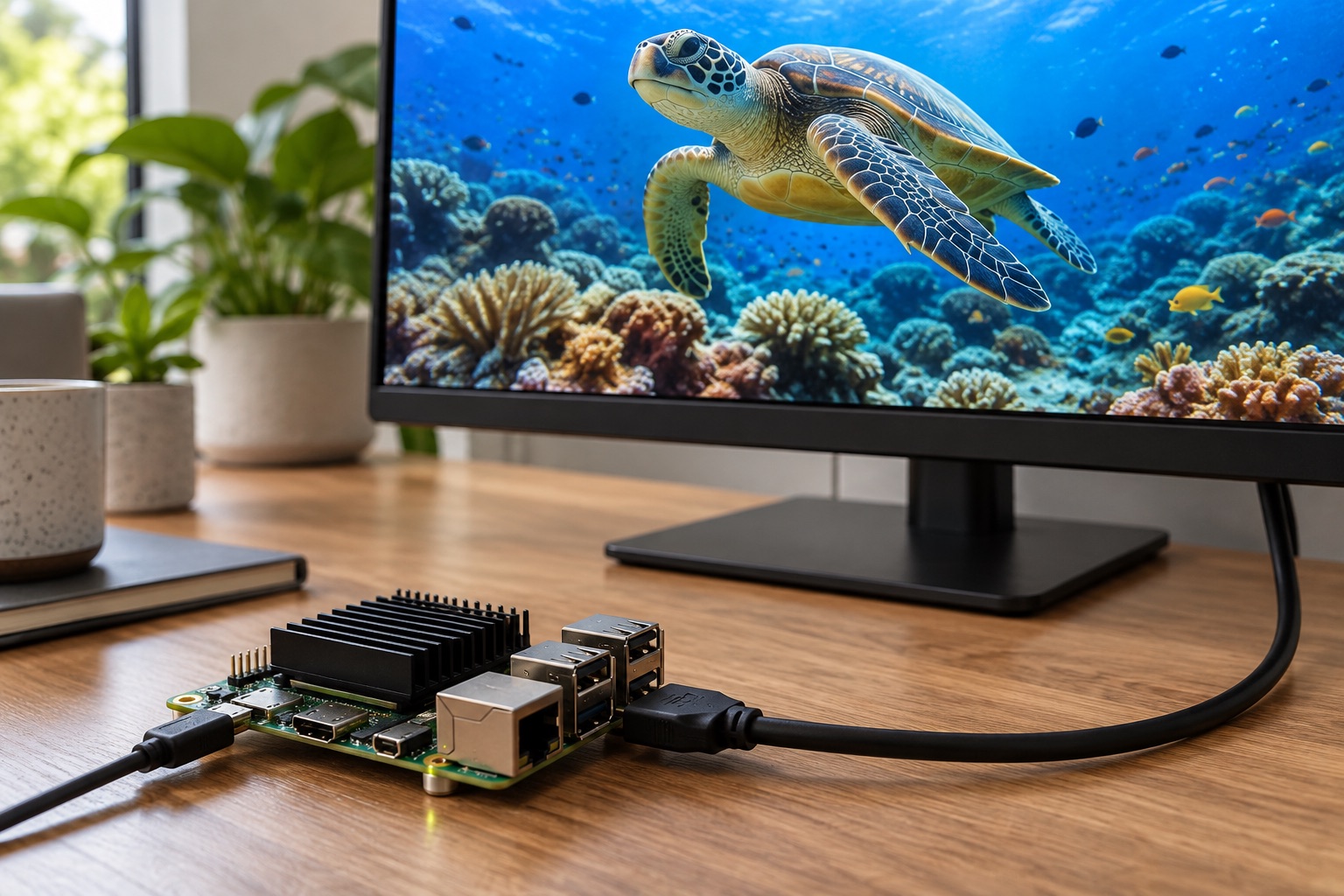
AI-generated engineering illustration, not a verified S905X5M board photograph or a measured test setup.
Quick Answer#
S905X5M is a candidate for compact multimedia computers and Linux media players, but selection should be based on the complete board and software stack. Confirm hardware decoding, display behavior, audio routing, and recovery with the exact content and application you intend to ship. A processor codec list does not guarantee that a particular Linux player can use those capabilities.
The ODROID-C5 provides a concrete commercial implementation to investigate rather than relying only on generic TV-box listings. This guide offers documentation-based engineering analysis. It does not claim playback benchmarks, guaranteed streaming-service compatibility, or measured performance for an untested board.
Use A Named Board As A Reference#
Hardkernel’s ODROID-C5 product page identifies an S905X5M implementation with quad-core Cortex-A55 processing and Mali-G310 graphics. Those details describe a specific board configuration. They should not be copied into a specification for every product sold with an S905X5M label.
Record board revision, memory capacity, storage, power supply, boot firmware, and operating-system image. The supporting hardware and software determine which interfaces are exposed and how reliably the system operates. Marketplace descriptions often omit these differences.
Ask for schematics, recovery instructions, and an active software release process. A documented board is easier to evaluate and maintain than an anonymous enclosure with an unknown image. This matters especially when the media player will be installed remotely or operated without supervision.
Define The Playback Workload Precisely#
List codec, profile, bit depth, resolution, frame rate, container, audio format, and subtitle requirements. Include content transitions and network delivery. Two files with the same resolution can exercise very different decoding and rendering paths.
Use representative licensed content and synthetic test clips where appropriate. Include variable frame rate, damaged input, long duration, and playlist boundaries. A player that handles a short demonstration may still fail after a timestamp discontinuity or a change in audio format.
| Requirement | Test Evidence | Frequent Misinterpretation |
|---|---|---|
| Video decoding | Active decoder path and dropped frames | Codec support means every player works |
| Graphics | Interface frame times | GPU speed predicts video playback |
| Audio | Routing and synchronization | HDMI video proves audio compatibility |
| Display modes | Tested sink and timing combinations | Connector presence proves every mode |
| Recovery | Reconnect and corrupt-input behavior | One successful start proves reliability |
Set acceptance criteria before comparing boards. For unattended signage, graceful recovery may be more important than an uncommon maximum-resolution mode. For an interactive appliance, interface responsiveness during playback may be the deciding factor.
Separate Graphics From Video Acceleration#
The GPU renders graphics, while dedicated video hardware handles supported compressed streams. The operating system, drivers, libraries, and player must connect these components correctly. Successful graphics acceleration is not evidence that video is being decoded in hardware.
Inspect runtime diagnostics rather than relying on a checkbox labeled hardware acceleration. Record CPU usage, decoder selection, output format, and dropped frames. Unexpected CPU load can indicate fallback or an expensive conversion stage between otherwise accelerated components.
Test overlays, subtitles, scaling, and rotation if the application uses them. These operations may change the rendering path or require additional copies. A bare playback benchmark can overstate the headroom available to a complete digital-signage application.
Validate HDMI And Audio Recovery#
Test the actual display models expected in deployment. Include startup with the display off, delayed connection, cable removal, and changes in advertised display capabilities. A player should recover according to a defined policy rather than requiring a manual reboot.
Verify audio independently for every required route and format. Volume handling, channel mapping, mute transitions, and synchronization can differ between software images. Do not infer support for a specific audio feature merely because an HDMI connector is present.
For installations with switches, extenders, or receivers, include those devices in the test path. Intermediate equipment can alter timing negotiation and recovery. Document the validated combinations rather than making an unrestricted compatibility claim.
Review Linux Support At Component Level#
Identify the kernel, graphics driver, media interfaces, bootloader, and application dependencies. Mainline support for one subsystem does not establish feature parity across the entire multimedia stack. Conversely, a vendor image with good playback may still need a stronger maintenance plan.
Choose the image according to the product’s required functions and update obligations. Request a reproducible build and package manifest. Record proprietary components and their versions so later vulnerability or compatibility reviews have a reliable starting point.
Avoid mixing unrelated repositories merely to obtain one missing feature without documenting the consequences. A hybrid image can be maintainable, but it requires explicit ownership and regression testing. A successful experiment should not silently become the production release process.
Test Storage, Network, And Power Together#
Playback from local storage and playback over a network stress different paths. Test buffering, reconnect behavior, and fallback content during outages. Bound caches so an interrupted download cannot consume all available space.
Power interruptions should not corrupt the playlist or leave an update half-installed. Use atomic configuration changes and a documented recovery mechanism. Test the intended adapter, cable, and attached peripherals because supply problems can resemble software or storage defects.
Measure sustained operation inside the intended enclosure. Record ambient conditions, temperatures, clocks, and playback quality. A board that performs well on an open desk may throttle or become unreliable in a compact installation with limited airflow.
Plan Content And Firmware Updates Separately#
Media assets and operating-system images have different update risks. Validate downloaded content before activating it, retain a known-good playlist, and avoid switching to partially transferred files. Content failures should not require a complete system reflash.
Firmware updates need authenticity checks, board compatibility checks, and interruption handling. Verify that application settings remain valid after rollback. A bootable image is not a successful recovery if the player cannot locate content or restore its network configuration.
Commercial streaming services can introduce licensing, DRM, and certification requirements beyond codec decoding. Confirm those requirements with the relevant providers and suppliers. Do not advertise service compatibility based solely on the processor or a demonstration in a different operating system.
FAQ#
Does S905X5M codec support guarantee Linux playback? No. The driver, userspace libraries, player, content format, and output path must work together. Verify the active decoding path on the exact software release.
Is ODROID-C5 performance representative of every S905X5M product? No. It is a documented reference implementation, not a universal proxy. Memory, cooling, power delivery, and software differ across boards.
What is the most important unattended-player test? Run representative playlists continuously while introducing network outages, display reconnects, and power interruptions. Verify that recovery occurs without losing the known-good configuration.
Sources And Related Guides#
Related checklists cover display interfaces, BSP quality, and storage selection.
Reviewed October 27, 2026 using Hardkernel’s official ODROID-C5 documentation linked above. No independent playback measurements are claimed. Compare the S905X4 guide and the Amlogic vendor overview for adjacent multimedia platforms.