Rockchip RK3399 Guide: Maintain, Upgrade, or Replace a Linux SBC#
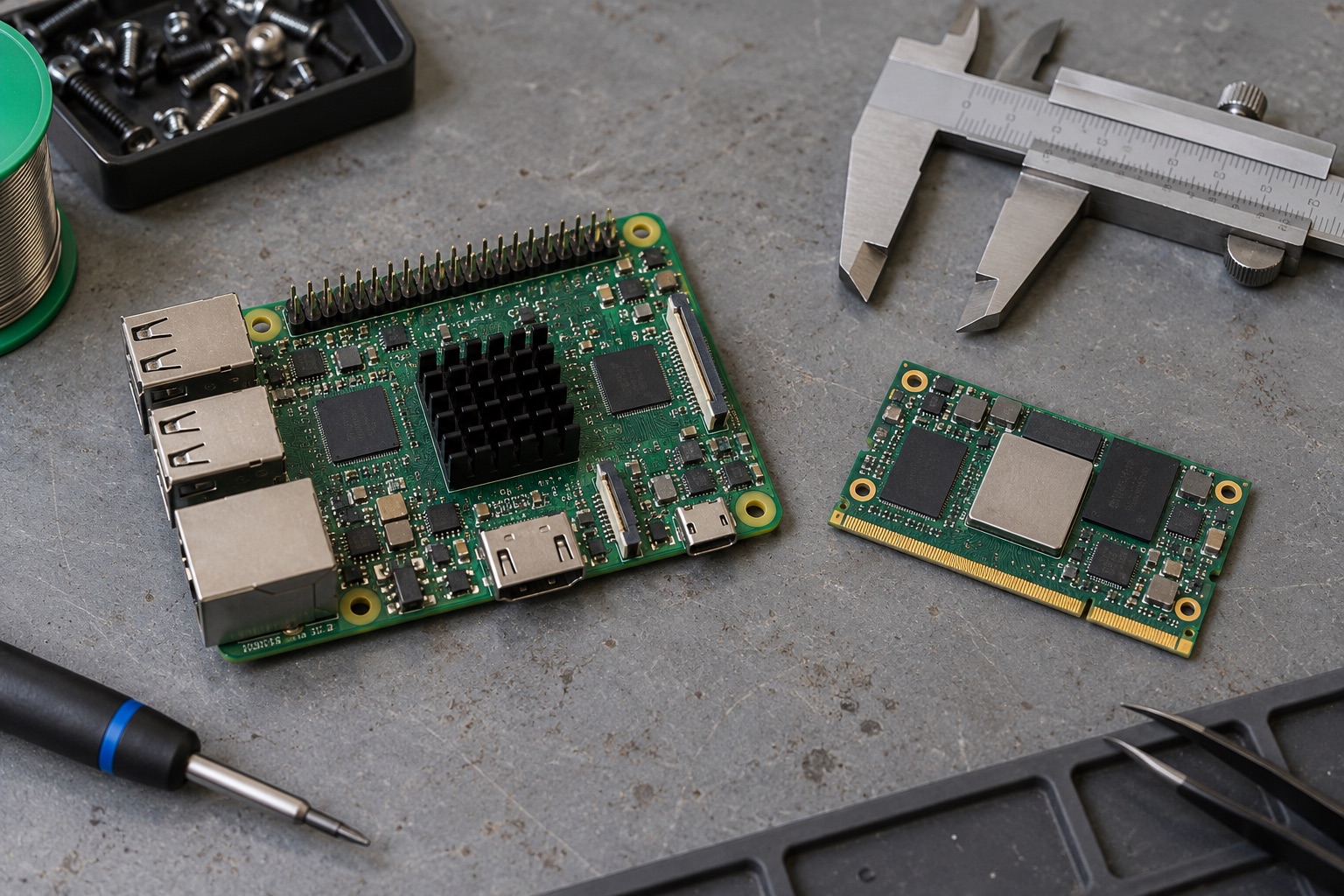
AI-generated engineering illustration, not a verified RK3399 board photograph or a measured test setup.
Quick Answer#
RK3399 is worth evaluating when an established board already meets your display, connectivity, and software requirements. Its strongest argument is often an existing integration, not leadership in current specifications. For a new product, compare the exact module and maintained software against newer alternatives before committing. For an installed product, retaining RK3399 can be reasonable if security maintenance, replacement stock, and measured workload margin remain acceptable.
This guide is a documentation-based engineering assessment. It does not present laboratory benchmarks or claim that every RK3399 board behaves alike. The practical decision is whether your particular system can remain supportable through its intended service life.
Identify The Exact Platform#
The Radxa ROCK 4 hardware documentation describes the familiar RK3399 combination of two Cortex-A72 cores, four Cortex-A53 cores, and Mali-T860MP4 graphics. That architecture does not define the complete computer. Memory population, storage wiring, power delivery, cooling, and connector assignments belong to the board specification.
Radxa also documents different ROCK 4 variants, including models using RK3399-T. Do not transfer clock assumptions or accessory compatibility between similarly named boards. Record the PCB revision, processor marking, memory capacity, boot firmware, and power adapter before attempting a reproducible comparison.
An operating-system image that boots on one revision may still have incorrect device-tree settings on another. Check regulator definitions, Ethernet behavior, thermal sensors, and peripheral enumeration. A working desktop is useful evidence, but it is not proof that all hardware paths are correctly configured.
Decide Whether To Sustain Or Migrate#
Start with the problem that triggered the review. A slow application may need profiling rather than replacement hardware. An unmaintained kernel may require a software migration even when CPU performance is adequate. A discontinued module can force a hardware change independently of both.
| Decision Driver | Evidence To Gather | Sensible Next Step |
|---|---|---|
| Slow interface | Frame times and CPU profiles | Find rendering or application bottlenecks |
| Unsupported software | Patch ownership and release history | Evaluate a maintained software baseline |
| Storage instability | Error logs and power traces | Isolate media and supply problems |
| Procurement risk | Written module availability | Qualify an alternative board |
| New AI requirement | Model runtime compatibility | Compare newer accelerator platforms |
Separate one-time migration cost from recurring maintenance cost. Replacing a board can affect enclosure tooling, compliance evidence, cables, factory fixtures, and field-service instructions. Keeping the board can preserve those investments while leaving a larger software maintenance burden. Neither choice is automatically cheaper.
Validate Linux As A Complete Stack#
Evaluate bootloader, kernel, device tree, graphics stack, media libraries, and application together. Mainline support for a subsystem does not prove that a distribution image exposes every feature required by your product. Conversely, a vendor image with working acceleration can still have an unacceptable update policy.
Build a capability checklist around actual workflows. For a kiosk, test browser rendering, touch input, display reconnect, audio routing, and unattended restart. For a gateway, emphasize network recovery, persistent storage, watchdog behavior, and remote diagnostics. Avoid selecting an image solely because its desktop looks polished.
Keep the complete build definition under version control. Record source revisions, configuration files, package manifests, and image hashes. Reproducing a release on a clean machine is a stronger maintenance signal than successfully modifying a prebuilt image on one engineer’s workstation.
Treat Graphics And Video Separately#
A GPU accelerates graphics workloads; a video decoder handles supported compressed media. Successful GPU rendering does not establish hardware video decoding, and successful decoding does not establish reliable browser playback. Framework integration, buffer formats, and display composition connect these components.
Test the intended codec, profile, resolution, frame rate, subtitles, and output mode. Include transitions between clips and recovery after damaged input. A digital-signage player can fail during playlist changes even when every individual clip plays correctly in isolation.
Collect CPU utilization alongside dropped frames and memory bandwidth symptoms. If playback unexpectedly consumes several cores, investigate whether the software has fallen back to decoding on the CPU. Do not infer acceleration from a player setting alone; capture diagnostic evidence from the active pipeline.
Measure Sustained Performance#
Short benchmarks favor systems that briefly boost before reaching thermal limits. Run your real application inside the intended enclosure until temperatures and clocks stabilize. Record ambient conditions, cooling configuration, supply voltage, and software version with the result.
Measure response-time distributions, not just averages. A device that usually responds quickly but periodically stalls can be unsuitable for an operator panel. Include background updates, logging, network traffic, and storage housekeeping because these compete with foreground work in deployed systems.
The mixed CPU topology also makes scheduling relevant. Profile before pinning tasks to particular cores. Affinity can reduce variability in a carefully characterized workload, but it can also prevent the scheduler from using available capacity. Preserve a baseline without special tuning for comparison.
Check Storage And Power Together#
Intermittent storage failures are not always storage defects. Supply droop, connector resistance, and sudden peripheral loads can produce symptoms that resemble media corruption. Test the actual adapter, cable, expansion devices, and startup sequence instead of a convenient laboratory supply alone.
Choose storage for write workload and recovery behavior. A read-mostly appliance differs from a logging gateway. Estimate daily writes, define log retention, and test interrupted updates. Filesystem consistency does not guarantee that application records remain semantically complete after power loss.
Create a recovery path that technicians can execute without improvisation. Keep a signed recovery image, document boot selection, and verify that the process preserves or intentionally erases device identity. Recovery instructions should name the exact board revision and required accessories.
Compare Alternatives Without Ranking By Age#
The RK3568 guide is useful for evaluating a different balance of industrial interfaces and software integration. The RK3588 overview addresses a higher-performance class. Neither is a drop-in electrical replacement for an RK3399 design.
Compare complete modules using the same application image strategy and acceptance criteria. Count engineering effort for drivers, factory provisioning, and enclosure changes. A newer processor may offer attractive capability while requiring a substantial software port or a different thermal design.
For an existing fleet, consider a staged migration. Freeze the current hardware configuration, qualify the replacement independently, and preserve a common remote-management protocol. This reduces the temptation to make a hardware transition and a backend redesign at the same time.
FAQ#
Is RK3399 still suitable for an embedded product? Potentially, especially for a maintained existing design. Suitability depends on the exact board, supported software, workload measurements, and procurement commitments rather than processor age alone.
Does an RK3399 Linux image guarantee accelerated video? No. Acceleration depends on the kernel interfaces, userspace libraries, player integration, and media format. Verify the active decoding path with representative content.
Should every RK3399 product move to RK3588? No. Migration is justified by a defined capability, support, or supply requirement. Additional performance can bring changes in cost, power, thermal design, and integration effort.
Sources And Review Scope#
For the migration review, use the BSP quality checklist, storage selection guide, and fanless thermal design guide.
Reviewed October 27, 2026. Hardware facts were checked against Radxa ROCK 4 documentation and its hardware reference. Evaluation procedures are editorial recommendations, not reported test results. Confirm current board availability and software commitments with the responsible supplier before procurement.