MediaTek Genio 500 Guide for Smart Terminals#
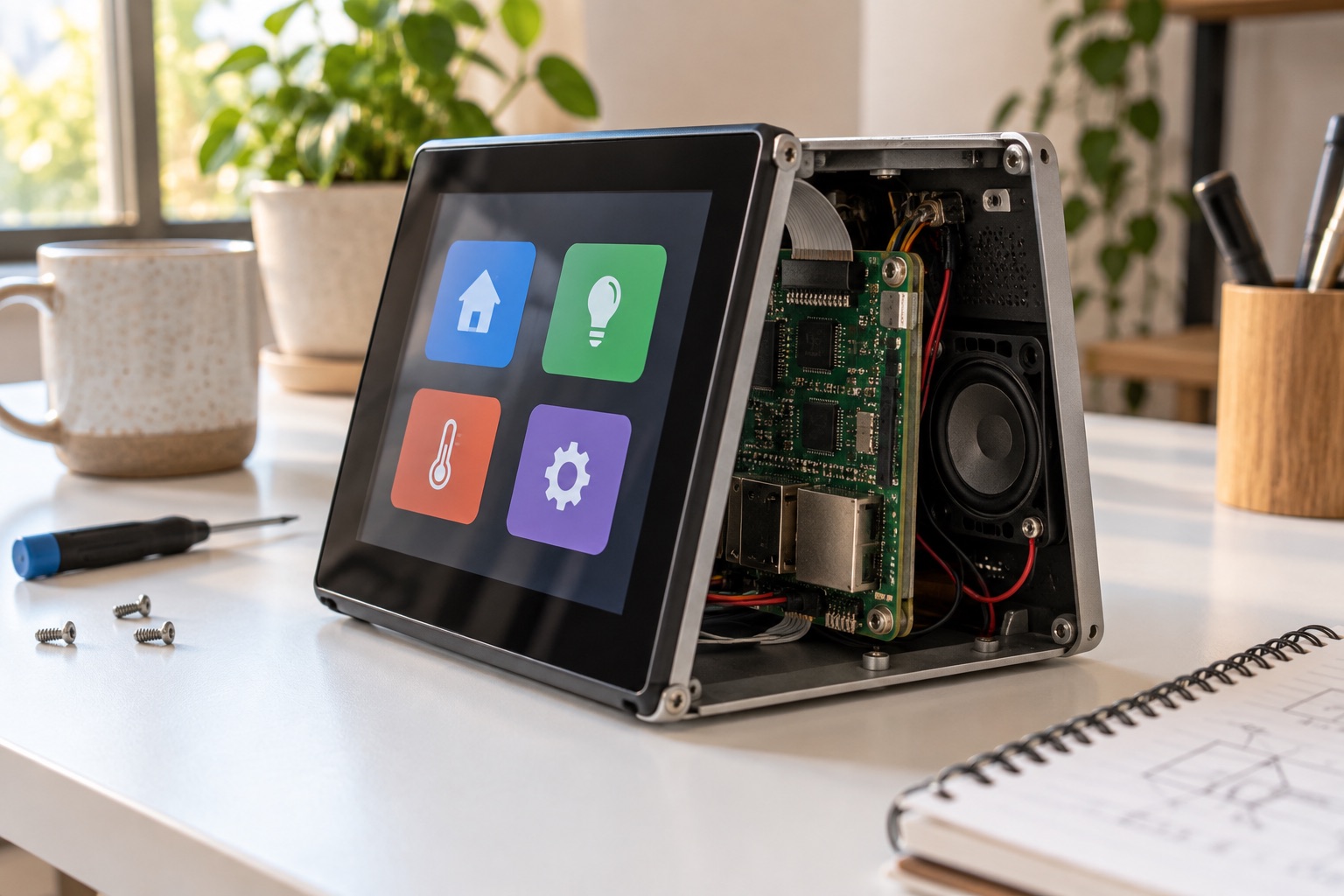
AI-generated engineering illustration; not a photograph of an identified MediaTek reference design.
Quick Answer#
MediaTek Genio 500 is an application-processor platform to evaluate for connected terminals combining a display, camera, audio, and moderate local processing. MediaTek lists four Cortex-A73 and four Cortex-A53 CPU cores, Mali-G72 MP3 graphics, and dual Vision P6 processing cores. Its product page identifies Android, Yocto Linux, and Ubuntu support at the platform level. See the official Genio 500 overview.
That positioning does not establish identical features across every supplier image or module. The practical decision is whether an available Genio 500 implementation supports the whole application with a maintainable software baseline. This guide provides selection and validation advice, not claimed benchmark results, guaranteed availability, or a universal recommendation over newer Genio families.
Where The Platform Can Make Sense#
Consider a compact information terminal with touch interaction, a camera-assisted feature, spoken prompts, and remote management. Such a product needs balanced multimedia behavior rather than maximum throughput in one subsystem. List all concurrent functions before selecting the processor so the evaluation reflects the finished experience.
A headless sensor gateway may not benefit from the same feature mix. Similarly, a demanding multi-camera AI appliance may need a different platform. Avoid stretching a familiar development kit into a workload that exceeds its supported software or thermal envelope. Compare alternatives when requirements reveal a concrete limitation.
| Application | Reason To Evaluate | Main Qualification Question |
|---|---|---|
| Smart information terminal | Display, audio, and connectivity | Does the interface remain responsive? |
| Interactive home controller | Local UI plus connected services | Does it work during network loss? |
| Camera-assisted retail device | Imaging and application processing | Is the exact sensor supported and tuned? |
| Voice-enabled appliance | Audio capture and local application | Does acoustics testing meet the target? |
| High-throughput AI system | Requires workload-specific evidence | Can the selected model and pipeline fit? |
These are proposed evaluation paths. They do not establish a validated medical, industrial, or retail certification for a particular product.
Resolve Naming And Module Identity#
Use the current product page, supplier ordering code, and module documentation together. Do not infer a chip identifier from a reseller keyword or a nearby Genio model number. Platform names and module branding can conceal different memory, storage, wireless, or software configurations.
Ask the supplier to identify the exact processor, board revision, RAM, storage, companion connectivity components, and supported images in one configuration record. Include operating-temperature evidence and antenna options where relevant. That record should appear on the quotation and release documentation, not only in an email from an application engineer.
Treat a module substitution as a controlled change. Even if the processor remains the same, different storage, PMIC settings, or wireless firmware can affect boot and recovery. Keep the approved hardware configuration attached to the software image so production does not silently create an untested combination.
Choose The Operating System By Product Needs#
Android may suit an existing application ecosystem or a terminal with established device-management requirements. Linux may suit a controlled native application or a system whose services are already maintained through a Linux build process. The decision should reflect staffing, peripheral support, updates, and application behavior rather than a generic preference.
MediaTek’s IoT Yocto documentation provides a development entry point. Check its supported hardware and release notes against the chosen Genio 500 board. A moving latest documentation link is not evidence that every historical platform remains supported by every current release.
Request a reproducible build and a peripheral-support matrix from the module supplier. Identify which kernel, graphics, camera, and AI components require vendor integration. A downloadable image is useful for evaluation, but the production team also needs to know how defects and security updates will be handled.
Validate Display And Touch As One Interface#
Specify resolution, orientation, refresh expectations, touch controller, backlight behavior, and wake policy. Test the interface while networking and camera activity continue. A static screen proves little about animation, input responsiveness, or memory pressure when the complete terminal is running.
Measure touch-to-feedback delay for common and slow actions. Include loading a history view, changing language, recovering a remote service, and returning from sleep. If a user action triggers network work, provide a defined local state while waiting. Otherwise a backend delay can look like a processor or touch failure.
Test panel power sequencing repeatedly. Capture blank-screen failures with boot logs and supply observations instead of relying on manual resets. Panel bridges, cables, and touch firmware belong in the approved bill of materials because apparently small substitutions can change behavior.
Camera And Audio Need Product-Specific Work#
A camera subsystem requires an exact sensor driver and suitable tuning. Test representative lighting, distance, motion, and exposure changes. Keep original frames so image-acquisition problems can be separated from later processing. The advertised maximum camera resolution does not guarantee useful image quality for the selected lens and enclosure.
For audio, evaluate microphone placement, speaker coupling, background noise, and enclosure resonance. A development board on a quiet desk is not an acoustic prototype of a finished appliance. Measure the task outcome, such as command recognition or intelligibility, rather than assuming a processing feature will compensate for poor physical design.
Run audio and camera functions together with display updates. Resource contention and synchronization may appear only under combined operation. Record missed buffers, latency, and recovery after device errors. A terminal should return to a known state if a sensor or audio path becomes temporarily unavailable.
Prove The Local AI Path#
MediaTek’s Vision P6 terminology should not be confused with a guaranteed video-codec throughput or a directly comparable modern NPU score. Determine the accelerator runtime and model-deployment tools actually available for the supplier’s image. Request a working conversion and deployment example using your model family.
Check operator support and numerical behavior before benchmarking. Preserve the exported model, preprocessing, runtime version, and evaluation data. If unsupported operations fall back to CPU execution, include that behavior in the performance report rather than quoting only the accelerated segment.
Measure complete input-to-result latency with the terminal’s other services active. Test accuracy under realistic input conditions. A model that is fast on prepared samples may fail when camera exposure, audio noise, or preprocessing differs from training. Make these assumptions visible in the acceptance report.
Connectivity Is A System Configuration#
Confirm the wireless hardware, antennas, firmware, and supported regulatory configuration of the module. Product-page connectivity descriptions may refer to companion devices rather than a radio fully contained in the application processor. Treat the actual shipped assembly as the object being qualified.
Exercise credential changes, network loss, time synchronization, and unreachable application servers. The terminal should preserve useful local functionality where the specification requires it. Keep network recovery bounded so repeated attempts do not starve the interface or fill storage with unbounded logs.
Thermal Design And Field Maintenance#
Evaluate the closed enclosure with the intended display brightness, camera, audio, and network workload. Measure temperature and responsiveness over a sustained run. A platform described as suitable for fanless designs still requires a product-specific thermal solution; an enclosure claim cannot be transferred without testing.
Plan remote updates and local service together. Keep a recovery image compatible with retained settings and application assets. Test power interruption during download and installation. Make sure production security settings still permit the authorized recovery method described to technicians.
| Release Evidence | What To Capture |
|---|---|
| Hardware | Exact module, panel, camera, audio and radio configuration |
| Software | BSP release, build manifest, runtime and update components |
| User experience | Response delay, media stability and offline behavior |
| AI | Model conversion, accuracy, latency and fallback operations |
| Operations | Thermal result, interrupted updates and service procedure |
FAQ#
Is Genio 500 necessarily better than Genio 510 or 520? No. Model numbers are not a workload benchmark. Compare supported software, interfaces, application behavior, and supplier commitments for the actual product.
Does platform-level Linux support cover every board peripheral? No. Confirm the specific image and board configuration, especially camera, graphics, wireless, and accelerator support.
Can a fanless claim replace enclosure testing? No. The workload, display, power conversion, ambient conditions, and enclosure determine the finished device’s thermal behavior.
Sources And Related Guides#
Reviewed September 18, 2026. Hardware positioning follows MediaTek’s linked product page; software decisions require the selected release documentation and supplier evidence. No measured performance is asserted. Compare Genio 700 and 510, Genio 720 and 520, and the MediaTek selection guide.