NXP i.MX8M Plus Overview#
Quick Answer#
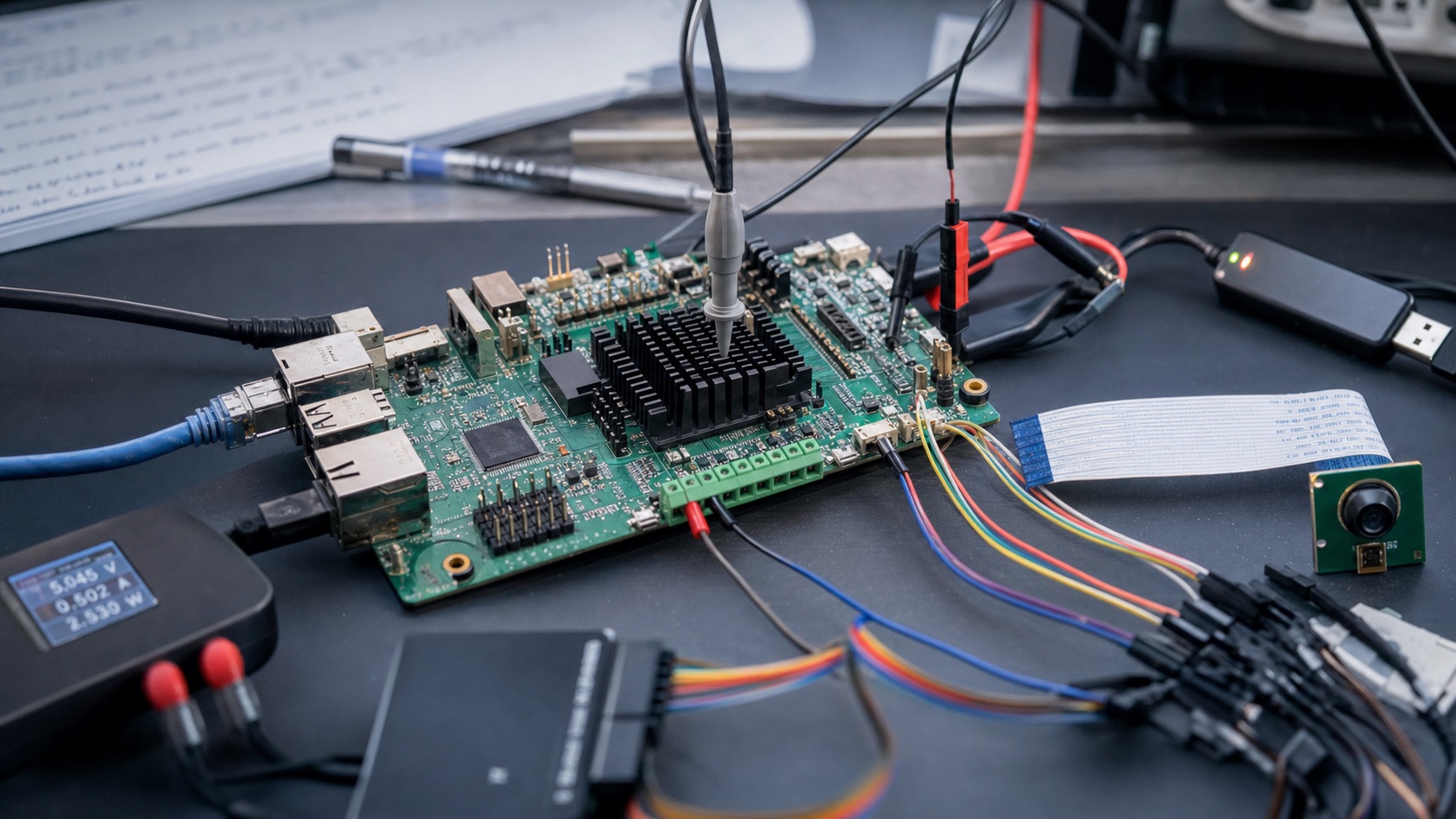
NXP i.MX8M Plus is a strong choice when a product needs embedded Linux, industrial documentation, camera or vision capability, moderate AI acceleration, display output, and a more professional lifecycle story than consumer-oriented SoCs. It is especially relevant for industrial HMI panels, gateways, medical terminals, smart cameras, machine vision devices, and long-lifecycle Linux products.
It is usually not selected for the lowest-cost Android smart panel or maximum multimedia performance. For cost-sensitive Android panels, Rockchip may be more practical. For very high AI or multi-camera workloads, RK3588 or Qualcomm platforms may need to be compared.
What Is i.MX8M Plus?#
i.MX8M Plus is part of NXP’s i.MX applications processor family. It targets connected embedded systems that need multimedia, machine learning, camera input, industrial interfaces through board design, and long-term software maintainability.
Most products use it through a system-on-module, SBC, or custom board. The module or board determines memory, storage, Ethernet, display, camera, wireless, power input, industrial I/O, and temperature options.
Key Specifications to Verify#
| Area | What to Check |
|---|---|
| CPU | Cortex-A class performance for Linux applications and UI workloads |
| GPU | Graphics acceleration for Qt, Wayland, Weston, or Android UI |
| NPU / AI | Model compatibility, runtime support, and real application performance |
| Camera | MIPI CSI, ISP pipeline, sensor support, and latency |
| Display | MIPI DSI, LVDS, HDMI bridge options, and panel support through board design |
| Networking | Ethernet options, industrial gateway requirements, and module support |
| Typical OS | Linux, Yocto, and selected Android BSPs depending on vendor |
Best-Fit Applications#
- Industrial HMI panels
- Linux gateways
- Machine vision terminals
- Smart cameras
- Medical and laboratory devices
- Access control and authentication terminals
- Long-lifecycle embedded Linux products
- Edge AI products with moderate workloads
Not Recommended For#
- Lowest-cost Android display products
- Products driven mainly by TV-box multimedia cost targets
- Very heavy AI or multi-camera systems without early performance testing
- Projects that need a ready-made Android consumer ecosystem more than Linux maintainability
Android and Linux Support#
i.MX8M Plus is most often evaluated for Linux and Yocto-based products. Android may be possible through board or module vendor support, but teams should verify Android version, GPU/display stack, touch, camera, audio, OTA, and source availability for the exact hardware.
For Linux products, confirm Yocto BSP status, kernel version, device tree quality, camera pipeline, ML runtime, secure boot, field update tools, and long-term maintenance strategy.
Interface Checklist#
| Interface | Verification Point |
|---|---|
| Display | Exact panel interface, bridge chips, touch controller, and rotation |
| Camera | Sensor support, ISP tuning, low-light needs, and AI pipeline |
| Ethernet | Gateway bandwidth, industrial network needs, and redundancy |
| USB | Host, OTG, peripheral, and production flashing requirements |
| CAN / RS485 | Usually board-level; verify isolation and transceiver design |
| Security | Secure boot, update signing, key handling, and recovery path |
Power, Thermal, and Lifecycle#
i.MX8M Plus is often chosen for products where lifecycle, documentation, and maintainability matter. Still, final reliability depends on board design, thermal solution, module supplier, and software update process. Test camera, AI, and display workloads under the final enclosure conditions.
Alternatives#
| Alternative | When to Consider |
|---|---|
| i.MX8M Mini | Lower-cost Linux HMI and gateway products without AI/vision needs |
| i.MX93 | Newer secure connected industrial products |
| RK3568 | Cost-sensitive HMI or gateway products with Android/Linux flexibility |
| RK3588 | Higher-performance AI, camera, and multimedia applications |
| TI AM62x | Low-power industrial Linux HMI or gateway products |
Production Acceptance Notes#
An i.MX8M Plus design should be accepted only after the camera, vision, AI, display, and Linux paths are tested as one system. Many teams shortlist i.MX8M Plus for its NPU and vision positioning, but the real work is sensor support, ISP behavior, model runtime, Yocto integration, thermal margin, and module lifecycle.
For an HMI or gateway without camera or AI, compare i.MX8M Mini, i.MX93, and TI AM62x before paying for unused headroom. For a smart camera or inspection terminal, test the final sensor, lens, lighting condition, frame rate, inference model, storage writes, and enclosure temperature. A vendor camera demo is useful but not enough for release.
The module vendor matters heavily. Ask whether the exact SOM is available in industrial temperature, how long it will be supplied, which BSP branch is maintained, whether secure boot is supported, and how updates are handled. The accepted platform should name the module and BSP, not only the processor.
Supplier Evidence To Keep#
Keep the validated sensor list, Yocto release, kernel branch, camera pipeline notes, NPU runtime version, display configuration, update plan, and thermal test result. This evidence is what turns i.MX8M Plus from a promising processor into a production-ready platform.
Field Maintenance And Update Planning#
For i.MX8M Plus, the maintenance plan should cover Linux updates, camera pipeline changes, AI runtime updates, storage layout, and factory recovery. Vision products often need post-launch tuning because lighting, lenses, sensors, and model versions change. The supplier should explain how those updates are delivered without breaking the rest of the BSP.
If the product uses secure boot or signed updates, validate the signing and recovery process before pilot production. A system that performs well in the lab but cannot be updated safely is not ready for field deployment.
Final Shortlist Rule#
Keep i.MX8M Plus when camera, AI, industrial Linux, and lifecycle support are all part of the value. Remove it when the product is a simple HMI or gateway and the extra vision features will remain unused.
Pilot Build Checklist#
Before pilot production, run the i.MX8M Plus image on multiple modules and the final carrier board. Check camera startup, display timing, Ethernet recovery, storage writes, update rollback, watchdog reset, and thermal behavior with the final enclosure. If AI is used, lock the tested model runtime and record which acceleration path is enabled.
For long-life products, confirm how the supplier handles module revisions, PCN notices, replacement storage parts, and BSP updates. These details matter as much as the processor feature list.
Keep camera, AI, thermal, and update risks visible until the pilot build closes successfully.
FAQ#
When is i.MX8M Plus worth choosing?
Choose i.MX8M Plus when the product needs camera, vision, AI, industrial Linux support, or more headroom than i.MX8M Mini.
Is i.MX8M Plus good for gateways?
It can be used for gateways, especially when camera, AI, or HMI features are included. For simple low-power gateways, compare i.MX8M Mini, i.MX9, or TI AM62x.
What is the main integration risk?
Camera pipeline, AI runtime, Yocto/BSP version, thermal behavior, and module lifecycle should be validated early.