MediaTek Genio 420 Guide: Practical Edge AI for Connected Panels#
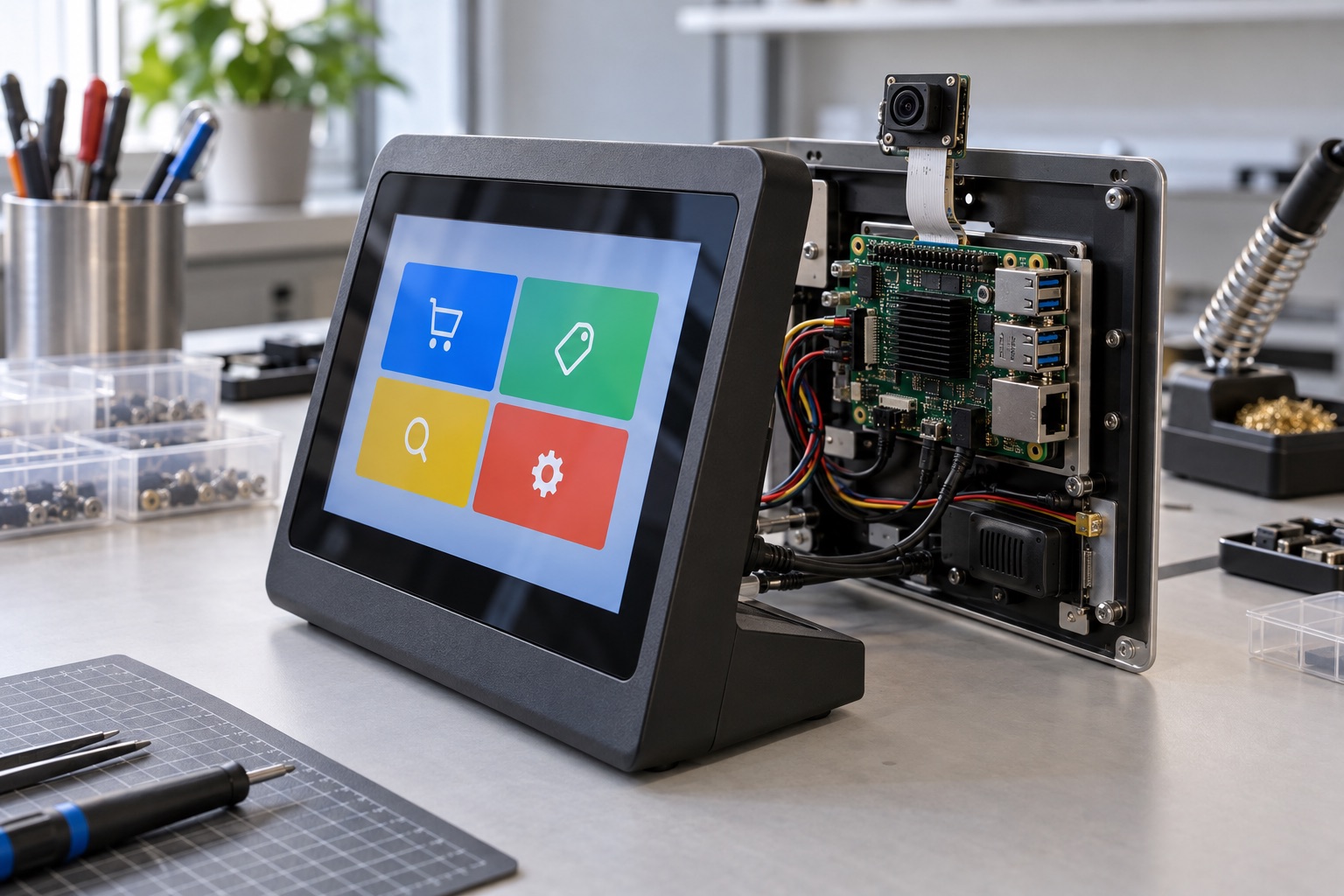
AI-generated engineering illustration, not a verified Genio 420 board photograph or a measured test setup.
Quick Answer#
Genio 420 is a candidate for connected panels and edge devices that combine an application interface with local AI. Its evaluation should focus on the actual model, display workload, camera pipeline, and supported operating-system release. Do not select it by comparing an undifferentiated TOPS figure against another vendor’s accelerator claim.
For a retail terminal, a successful platform keeps the interface responsive while analytics, networking, and maintenance run together. This guide explains how to establish that evidence. It is based on official documentation and editorial engineering analysis, not independent benchmark measurements or a supplier endorsement.
Read The Specification With The Right Units#
The MediaTek Genio 420 product page identifies MT8371LV, a CPU configuration with two Cortex-A78 and six Cortex-A55 cores, and Mali-G57 MC2 graphics. MediaTek distinguishes a 6.2 TOPS NPU figure from 7.2 system-level TOPS. Those numbers should retain their labels wherever they are compared.
System-level arithmetic capability is not interchangeable with the throughput of one model on one accelerator. Precision, operator coverage, scheduling, and memory traffic affect the useful result. A larger headline can therefore coexist with slower execution of a particular application.
Record the exact module and memory configuration as well as the processor. Thermal design, storage, peripheral routing, and firmware can change the outcome substantially. Treat a development board as a specific implementation, not a universal measurement of every Genio 420 product.
Choose A Bounded AI Use Case#
Define the input, output, and decision deadline. A people-counting panel, defect classifier, and voice interface have different model and pipeline requirements. “Supports AI” is not specific enough to guide memory sizing or acceptance testing.
Choose representative data before optimizing. Include difficult lighting, background variation, occlusion, or noise appropriate to the application. Evaluate false positives and false negatives separately when their operational consequences differ.
State what happens when confidence is low or inference is unavailable. A retail terminal should remain usable if optional analytics stop. Separating essential transactions from experimental intelligence features can prevent a model regression from disabling the whole device.
Validate Conversion And Runtime Compatibility#
Obtain the supported model-conversion tools and runtime for the selected BSP. Convert the intended network early, retain the conversion report, and identify unsupported operators. A vendor sample demonstrates a path, not universal compatibility with every framework export.
Compare converted-model accuracy with the original reference using the same held-out inputs. Document quantization data and preprocessing. Differences in resizing, normalization, or channel ordering can invalidate a comparison even when the model file is correct.
| Evidence Item | Record | Decision Supported |
|---|---|---|
| Model identity | Source and deployed hashes | Reproducibility |
| Conversion | Tool version and operator report | Deployment feasibility |
| Accuracy | Scenario-level error rates | Product usefulness |
| Performance | End-to-end latency distribution | Responsiveness |
| Resources | Peak memory and sustained power | Hardware sizing |
Check where each operation executes. CPU fallback may be acceptable for occasional work but problematic for continuous processing. Measure the complete graph and postprocessing under realistic concurrency rather than reporting accelerator execution time alone.
Protect The User Interface From Background Load#
Run the actual interface framework with production assets, fonts, and data volumes. Include animations, transitions, and the most demanding view. A static demonstration page gives little evidence about real application responsiveness.
Measure frame times and input-to-feedback latency while inference, camera acquisition, network traffic, and logging are active. Watch for occasional stalls rather than relying only on average frame rate. An interface can feel unreliable even when its average throughput appears adequate.
Define scheduling and backpressure deliberately. Optional analytics can reduce frequency when the interface is busy. Network retries should not block the main thread. These design choices often improve perceived performance more effectively than simply increasing the inference batch size.
Check Camera And Display Integration#
Confirm the exact display interface, panel timing, touch controller, and backlight behavior on the chosen carrier. The presence of a display function in the SoC does not prove compatibility with an arbitrary panel. Request a tested panel configuration or budget the necessary bring-up work.
For camera applications, obtain the sensor driver and tuning package. Validate the optical assembly and lighting conditions expected in the finished product. Model evaluation on ideal images cannot compensate for poor exposure, blur, or inconsistent sensor output.
Test disconnects and initialization failures where the hardware permits them. A panel that occasionally fails after a brownout or a camera that never recovers from a stream error can dominate field-service cost despite otherwise good performance.
Review Software Support By Release#
MediaTek’s Genio Android documentation provides a starting point for supported targets and workflows. Confirm that the exact release includes your board and required features. Documentation for a related Genio product should not be treated as a commitment for this configuration.
Hardware or software compatibility claims within a family can reduce migration effort, but they do not eliminate validation. Compare pin assignments, power requirements, memory topology, drivers, and application dependencies. Record which compatibility statements come from the vendor and which have been verified in your design.
Require a reproducible build, release manifest, and maintenance owner. Clarify access to proprietary components and the process for obtaining fixes. A maintainable platform needs a working delivery relationship, not just downloadable documentation.
Test Sustained Operation And Updates#
Run the full workload in a representative enclosure until thermal conditions stabilize. Record clocks, temperatures, latency, and dropped frames. Use the intended power adapter and peripheral population so the test reflects deployment rather than a minimal bench configuration.
Qualify firmware and model updates together. Changes to the runtime, graph, preprocessing, or application can alter memory demand and accuracy. Preserve a tested rollback path and define how configuration data is handled across versions.
Test interruptions during download, installation, and first boot. The device should either continue with a valid release or enter a documented recovery state. A signed image is not sufficient if it is incompatible with the board or leaves the application unable to start.
FAQ#
Is Genio 420 a 7.2 TOPS NPU platform? MediaTek distinguishes 7.2 system-level TOPS from a 6.2 TOPS NPU figure. Preserve that distinction and compare application measurements under matched conditions rather than mixing headline categories.
Does a supported AI model guarantee a responsive panel? No. The interface, camera, memory traffic, network services, and thermal limits share resources. Test all required functions together using production-like assets and settings.
Can a related Genio board be replaced without testing? No. Family compatibility can help, but the exact electrical design, software release, peripherals, and performance requirements still need validation.
Sources And Related Guides#
Continue with NPU TOPS versus real performance, MediaTek Genio versus Rockchip, and the display interface guide.
Reviewed October 27, 2026 against MediaTek’s product and Android documentation linked above. Suggested measurements are not reported results. Compare the Genio 720 and 520 guide and MediaTek vendor overview when building a broader shortlist.