MediaTek Genio Pro 5100 Guide: Local AI, Robotics, and Memory Planning#
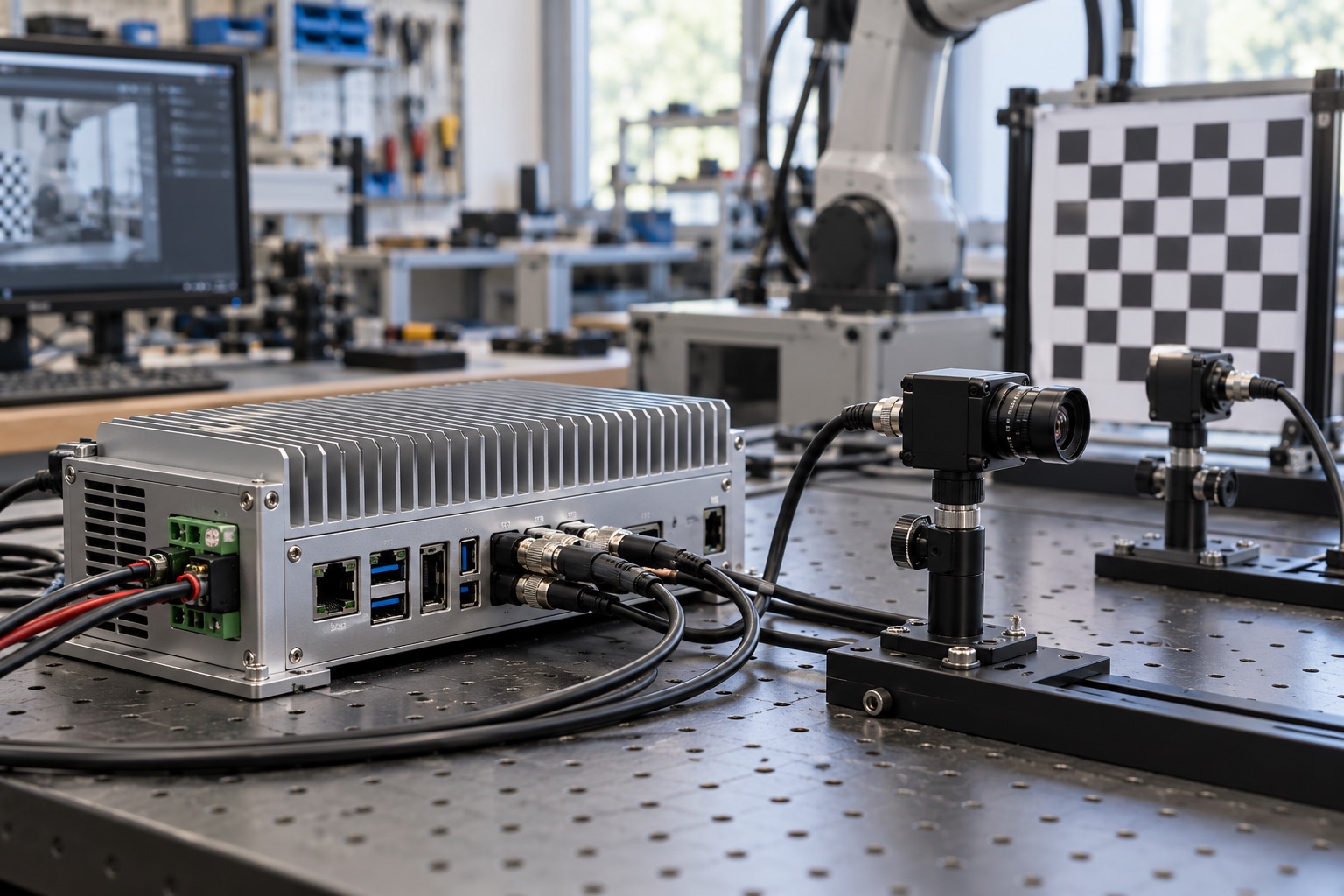
AI-generated engineering illustration, not a verified Genio Pro 5100 board photograph or a measured test setup.
Quick Answer#
Genio Pro 5100 is a candidate for demanding edge applications that combine substantial CPU work, graphics, and local AI. For robotics or generative models, select it by validating the complete software path and memory budget, then measuring sustained application behavior. A system-level TOPS claim cannot predict language-model response time or prove real-time control suitability.
The platform may be attractive when several workloads need to share one embedded computer. That consolidation also creates contention and recovery obligations. This guide is a documentation-based evaluation framework; it does not claim measured tokens per second, robot safety, or guaranteed model compatibility.
Interpret The Platform Positioning#
The MediaTek Genio Pro 5100 page describes a 3 nm platform with an all-big-core CPU arrangement, Immortalis graphics, and an eighth-generation NPU. Its advertised figure of more than 50 TOPS is system-level capability, not a universal NPU-only benchmark.
Preserve that scope in procurement documents. Comparing the number directly with another processor’s NPU throughput can create a misleading ranking. Ask which compute engines, numerical formats, and execution conditions are included, then benchmark the actual workload.
Identify the available module and development software rather than assuming that every platform announcement corresponds to a production-ready board. Record memory capacity, cooling requirements, peripheral access, release maturity, and current supplier commitments before estimating a project schedule.
Turn A Generative AI Requirement Into A Workload#
Specify the model, quantization, context length, input type, and expected concurrency. “Runs a language model” can mean anything from an occasional short response to continuous multimodal interaction. Those cases have very different memory and latency requirements.
Separate time to first token from subsequent token generation. Prompt processing, model loading, retrieval, and decoding contribute differently to the user experience. A demonstration that reports only steady decoding speed may omit the delay users notice most.
Define output-quality and failure-handling requirements. A local model still needs evaluation for hallucinations, inappropriate actions, and malformed output. Keeping computation on the device changes deployment and data-flow properties; it does not automatically make the result accurate or trustworthy.
Build A Memory Budget Before Choosing Capacity#
Model weights are only one allocation. Add runtime workspaces, attention cache, input processing, graphics buffers, camera streams, operating-system services, and application data. Leave explicit margin for updates and workloads that overlap unexpectedly.
For a conventional attention implementation, a rough uncompressed KV-cache estimate is two times layer count, token count, KV-head count, head dimension, and bytes per element. This is a planning formula, not a promise for every runtime. Grouped-query attention, quantization, batching, and implementation details change the result.
| Memory Consumer | Scaling Driver | Validation Method |
|---|---|---|
| Weights | Parameter count and representation | Inspect deployed artifact and loaded memory |
| KV cache | Context and concurrent sequences | Measure at maximum supported context |
| Workspaces | Runtime and operators | Capture peak allocation |
| Vision inputs | Resolution and buffer count | Exercise all cameras together |
| Application | Services and retained data | Run production configuration |
Test near the intended limits rather than only with short prompts. A system that handles one small request may fail when a second session arrives or a camera pipeline starts. Define admission control so the device rejects excess work predictably instead of exhausting memory.
Keep Robot Control Boundaries Clear#
Distinguish perception and planning from time-critical actuation. A powerful application processor can host complex software without guaranteeing bounded control latency. Assign critical control and fault handling according to the system’s engineering and safety requirements.
Define the interface between AI output and actuator commands. Validate ranges, freshness, and state assumptions before accepting a result. An old but syntactically valid inference should not remain actionable indefinitely after conditions change.
Test loss of the AI process, delayed messages, and application-processor resets. The rest of the system needs a defined response. This boundary is important whether the model performs object recognition, language interaction, or higher-level planning.
Verify The Software Stack End To End#
MediaTek lists Linux-related software options and robotics-oriented support for the platform. Confirm the actual released BSP, supported board, accelerator runtime, and middleware versions available to your project. A platform-level ecosystem statement does not establish compatibility with every package combination.
Build the intended application in a clean environment and deploy it to the selected hardware. Record compiler, framework, runtime, model converter, and proprietary dependency versions. Reproducibility is particularly important when model tooling evolves faster than the rest of the embedded stack.
Inspect fallback execution and data movement. An unsupported operator or repeated conversion between memory layouts can erase the benefit of acceleration. Profile the entire application rather than treating the accelerator’s busy time as the only meaningful performance metric.
Measure Sustained Thermal Behavior#
Use the intended enclosure, cooling system, mounting orientation, and ambient conditions. Run concurrent perception, model inference, graphics, and communications until the system reaches a stable thermal state. Capture performance over time rather than selecting the fastest early interval.
Test both compute-heavy and memory-heavy workloads. They can stress different parts of the power and cooling design. Include startup peaks and model loading, particularly if the power supply also serves cameras, storage, or external accessories.
Report energy per useful operation alongside latency when battery or cooling limits matter. Faster execution is not necessarily more efficient under every configuration. Choose operating settings that meet the product requirement with repeatable margin.
Qualify Supply And Update Commitments#
Ask for written availability terms covering the exact device or module, relevant start dates, and change notifications. A platform longevity statement should not be expanded into an unconditional promise for every memory configuration or carrier-board component.
Version firmware, models, configuration, and middleware as a release set. A model update may change memory demand or behavior without changing the operating system. Test compatibility and recovery before broad deployment, and retain the ability to identify which artifact produced a result.
Protect update signing keys and device identities through a documented production process. Include recovery from interrupted installation and handling of units that miss several releases. Operational support is part of platform suitability, not an optional task after the AI demonstration succeeds.
FAQ#
Does more than 50 TOPS mean a 50 TOPS NPU? No. MediaTek presents this as a system-level figure. Preserve the distinction and use matched application benchmarks for procurement decisions.
Can a language-model demonstration predict production latency? Not without matching model, quantization, context length, concurrency, runtime, and thermal conditions. Measure time to first token and sustained generation separately.
Is an application processor enough for every robot control loop? No. Critical timing and fault-response requirements need their own architecture and evidence. Keep perception and planning claims separate from control or safety guarantees.
Sources And Related Guides#
The NPU performance guide, BSP quality checklist, and fanless thermal guide provide additional acceptance-test context.
Reviewed October 27, 2026 using the official MediaTek product page linked above. Memory calculations and test procedures are editorial planning guidance. See the Genio 420 guide for a smaller application class and the MediaTek vendor section for alternatives.