ESP32-S3 Guide for Displays, Cameras, and Edge AI#
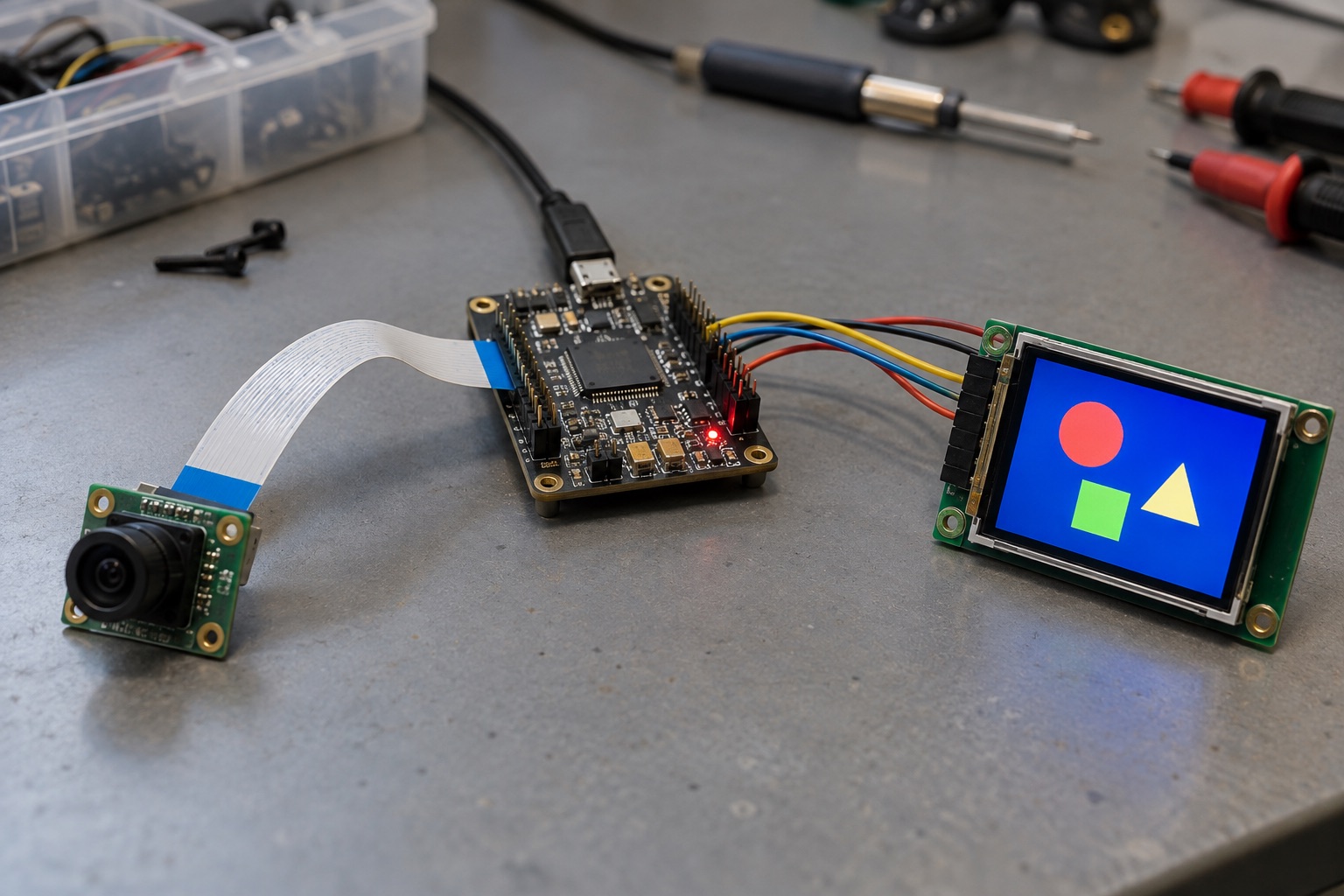
AI-generated application illustration; not an actual ESP32-S3 benchmark setup.
Quick Answer#
ESP32-S3 is a candidate for compact connected interfaces, audio processing, and modest camera or inference workloads that fit an MCU application. Its dual-core Xtensa LX7 CPU runs up to 240 MHz, with 2.4 GHz Wi-Fi and Bluetooth LE. Espressif also documents vector instructions for signal-processing and neural-network operations. These features do not make S3 equivalent to a Linux vision processor with a dedicated high-throughput NPU. See the official S3 overview.
Select S3 only after testing the display, sensors, networking, and application together. This guide explains how to construct that evaluation. It contains no claimed measurements of frame rate, inference speed, or battery life; numeric memory examples are transparent calculations that readers can adapt to their own requirements.
Where S3 Fits#
| Application | Why Evaluate S3 | Main Feasibility Question |
|---|---|---|
| Compact control panel | MCU interface plus connectivity | Does rendering meet interaction deadlines? |
| Voice interface | Local signal and command processing | Is accuracy acceptable in the enclosure? |
| Small vision sensor | Camera capture with bounded analysis | Does the entire pipeline fit? |
| Connected instrument | UI, measurement, and wireless reporting | Can acquisition remain stable during traffic? |
| Rich video terminal | Usually needs another processor class | Are encoding and display demands excessive? |
These judgments concern product architecture rather than guaranteed peripheral compatibility. A board with a camera connector still needs the correct sensor driver, electrical interface, clocks, and firmware configuration. A display example proves only the tested panel and connection unless its documentation establishes a broader support range.
Start With The User Interaction#
Specify the interface before the processor. Count screens, fonts, image assets, animation areas, and simultaneous input sources. Record the longest acceptable delay between a touch and visible feedback. A settings screen updated occasionally is fundamentally different from a scrolling dashboard with continuous waveform drawing.
Separate full-screen updates from changed regions. Partial rendering can keep a modest interface responsive with smaller buffers, but it creates a different traffic pattern. The display bus, render algorithm, and update scheduling all matter. Do not infer smoothness from CPU clock alone or from a photograph of a working screen.
For a hypothetical 320 by 240 RGB565 framebuffer, storage is 153,600 bytes. Double buffering requires 307,200 bytes before GUI objects, fonts, stacks, or network buffers. This is a design estimate, not an allocation guarantee. Confirm where buffers can reside and whether the selected driver can use that memory efficiently.
Select Memory By Exact Module#
S3 modules come in different flash and PSRAM configurations. Verify the full ordering code rather than assuming all boards labeled S3 include external RAM. The S3-WROOM-2 datasheet, for example, documents a particular module family and its configurations; those details cannot be transferred to every S3 module.
Create a memory map separating persistent assets, framebuffers, sensor buffers, inference tensors, and internal-only allocations. External RAM can provide useful capacity, but latency, bandwidth, DMA requirements, and cache behavior still constrain a design. A large free-memory figure alone does not establish that the next required allocation can succeed.
Reserve update storage before filling flash with graphics or audio assets. Large resources may need their own update policy and compatibility version. Decide whether the application can run with older assets during a staged update. Otherwise an interrupted asset replacement may leave firmware bootable while the interface is unusable.
Treat Camera Work As A Pipeline#
A camera application includes sensor exposure, image transfer, buffering, conversion, analysis, and output. Benchmark the interval from scene change to useful result. Timing only the inference function excludes work that may dominate the user experience. Include dropped frames and stale results in the report, not just the fastest successful run.
Test difficult scenes. Low illumination may change exposure time, motion can create blur, and bright backgrounds can undermine detection accuracy. A model that appears convincing on a stationary desk may fail in the installed product. Keep a representative evaluation set and document which errors matter most for the application.
Choose the camera resolution because it supports the task. More pixels increase storage and transfer work even when the model ultimately consumes a small image. Cropping or downsampling can help, but must preserve relevant detail. Record preprocessing settings with model versions so an accuracy regression can be reproduced.
Evaluate Local AI Without Marketing Shortcuts#
S3’s CPU vector support is useful for suitable optimized routines, but an AI label does not tell you whether a particular model is practical. Confirm operator support, numeric format, tensor storage, and framework compatibility first. Then measure the exported model on the target configuration with the actual input pipeline.
Report accuracy and latency together. A smaller model may run faster while missing the events that justify the product. Quantization may alter behavior on borderline examples. Select thresholds using representative data and document the cost of false positives and false negatives. A single successful recognition is demonstration evidence, not an evaluation.
Cloud assistance changes the product contract. A local wake trigger with remote language processing is different from fully offline speech recognition. State what still works without internet access and how recorded data is handled. Processor selection should reflect the offline requirements rather than the appearance of a connected demo.
Test Concurrency And Recovery#
Run rendering while the device reconnects, writes settings, and receives an update. Observe touch latency, audio underruns, camera drops, and minimum heap. Assign task priorities from deadlines, then verify that background work can still progress. Pinning work to a core does not remove shared-memory or peripheral contention.
Include failed operations. Unavailable servers, full queues, corrupted settings, and repeated connection attempts can expose resource leaks. Long runs should revisit these conditions rather than leaving the board idle. Preserve logs with timestamps and reset causes so intermittent faults can be associated with a concrete event sequence.
Hardware Integration Priorities#
Review module antenna clearance, regulator transient response, and the placement of display or camera cables. Evaluate the closed enclosure with backlight and radio active. A product that works over a short bench cable may fail when the production cable introduces different impedance, coupling, or mechanical stress.
Keep debug and factory access available during development. Verify boot-configuration pins against connected peripherals and test slow or interrupted power ramps. Brownout symptoms can resemble firmware defects, so capture supply behavior while reproducing resets. Fix the electrical cause before compensating with repeated software retries.
An Evidence-Based Release Gate#
| Test | Record | Release Question |
|---|---|---|
| UI interaction | Worst observed delay and workload | Does feedback remain usable? |
| Camera or audio | Input conditions and error rate | Does the feature solve its intended task? |
| Memory soak | Peaks, fragmentation, stack margin | Is extended operation stable? |
| Network recovery | Outage length and recovery behavior | Can users recover without service tools? |
| Update interruption | Failure stage and resulting boot state | Does the device retain a usable image? |
Set acceptance thresholds before testing. Without a declared target, teams tend to rationalize whatever the prototype happens to achieve. Keep the exact module, board revision, toolchain, component versions, and configuration with the results. That record makes later firmware changes comparable and supports a defensible production decision.
FAQ#
Does ESP32-S3 support Bluetooth Classic audio profiles? S3 provides Bluetooth LE, not Bluetooth Classic. Check the transport and profile required by the accessory rather than assuming compatibility from the Bluetooth name.
Does more PSRAM guarantee faster graphics? No. It expands capacity, while rendering cost, memory access, display bandwidth, and driver behavior determine responsiveness. Test the chosen buffer arrangement and panel together.
Can S3 run large language models like a Linux AI board? It is not a comparable platform for that workload. Distinguish small local inference from a device that forwards requests to a remote service.
Sources And Related Reading#
Reviewed September 18, 2026. Hardware facts follow the linked Espressif product and module documents; validation advice is editorial analysis. For alternatives see series selection, for deployment see secure OTA, and for measurement principles see NPU TOPS versus real AI performance.