Best SoCs for EV Charger Displays and HMI#
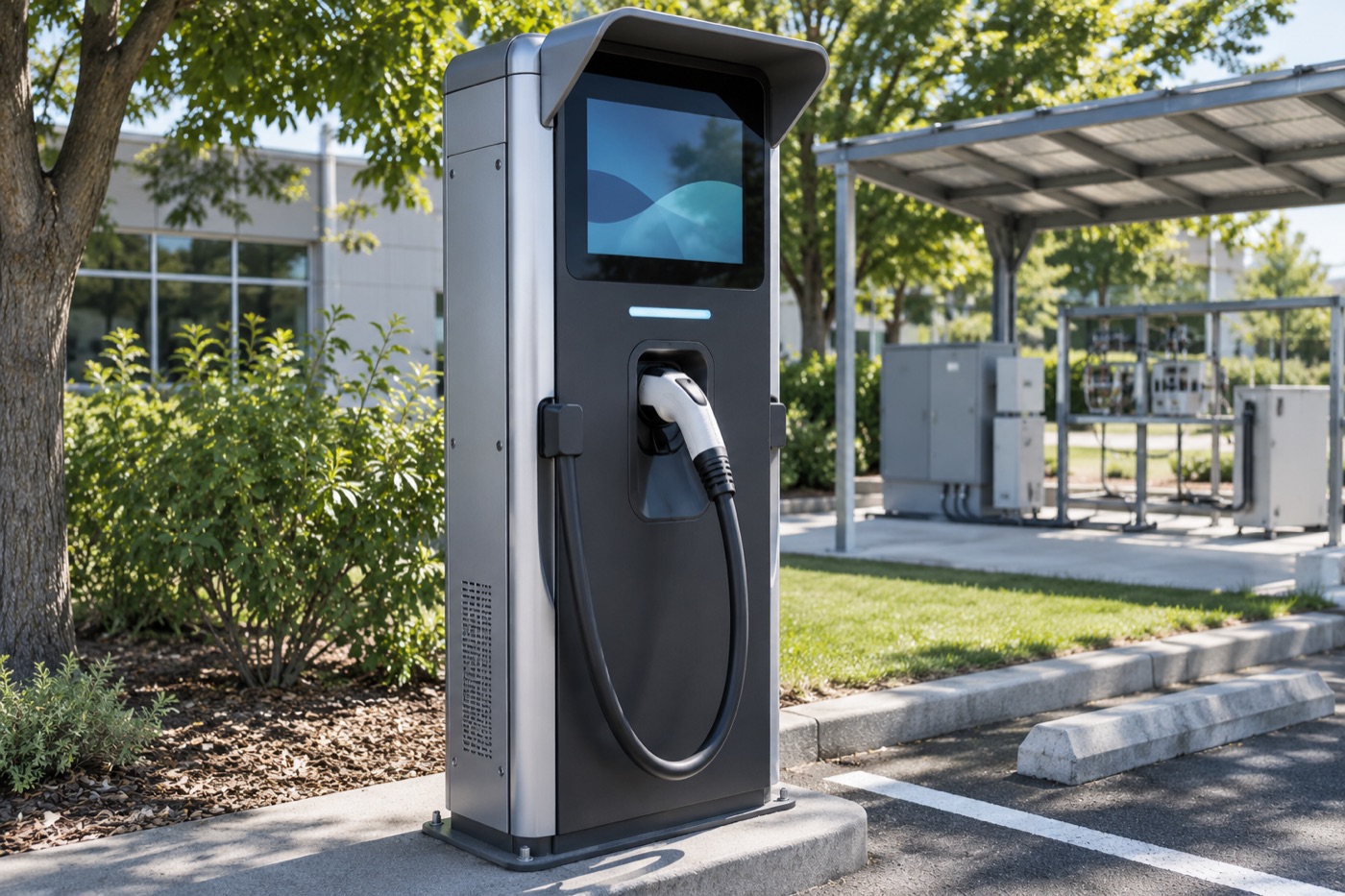
AI-generated engineering illustration.
Choose The HMI After Defining The Charger#
Start with a microcontroller display for a status-and-buttons interface, and an industrial Linux MPU for a multilingual touchscreen that shows session state and diagnostics. TI AM62x is a practical Linux candidate because TI publishes an EVSE development platform with an HMI. An NXP i.MX93 module is another candidate when the team has a qualified i.MX BSP and a compatible panel. A Rockchip or MediaTek board may make sense when an approved payment peripheral, Android application, or demanding graphics workload drives the choice.
Give the charging controller responsibility for the equipment state. Have the HMI submit requests and render confirmed state. The controller should handle charging and protection decisions according to the system architecture, including when the display process stalls or restarts. A reference kit can shorten a prototype. Production electrical design and approvals require the product team and its qualified partners.
Match The Platform To The Screen Workload#
| Interface | Candidate architecture | Demonstration to request |
|---|---|---|
| LEDs, small display, service buttons | MCU and a simple display stack | Status remains legible and useful through network loss and controller restart |
| Touchscreen with session, language, and service menus | Linux MPU on a maintained module | Intended panel, touch controller, backlight, and charger controller run on a versioned software image |
| Payment-led experience with an approved Android SDK | Supported Android board or a Linux HMI paired with a separate payment terminal | Payment flow on the exact terminal firmware, board build, and application versions |
| Graphics or media-heavy public kiosk | Higher-headroom SoC and a validated graphics stack | Animation and payment screens stay responsive during telemetry, logging, and peripheral reconnects |
The TI AM62x processor guide and NXP i.MX93 industrial Linux guide frame the Linux shortlist. Use the Android and Linux BSP comparison when payment or fleet software determines the operating system.
Define What The HMI Knows#
Have the controller publish a versioned state with a session identifier, timestamps, and a clear indication that the data is fresh. A touchscreen can learn that a connector is plugged in before it learns that a transaction has been authorized. Treat those as separate states. The user needs feedback while the request is pending, and service staff need to distinguish a disconnected display from an unavailable controller.
A display reboot during an active session provides a good integration test. On restart, the HMI should ask for current state and rebuild the screen from the controller and payment records. A duplicate start or stop request should have a defined result. Include reportable failure reasons in the interface so the station can give a useful message without exposing raw controller diagnostics to drivers.
Define how much a station can do offline by payment model and operating policy. Cache the display assets and the information needed for an offline screen. Do not treat cached availability or tariffs as current when the station cannot confirm them. Agree on who reconciles queued events, local transactions, and session completion once communications return.
Qualify A Panel As An Assembly#
A brightness figure from a panel datasheet does not determine readability through the intended cover lens. Inspect the real assembly in direct sun and at oblique angles. Test the approved dimming range after dark. Check touch response with the gloves, moisture, and surface treatments expected on site. Include the exact touch firmware and grounding arrangement in the release record.
Display bring-up also includes recovery. Disconnect and reconnect the documented interfaces under approved low-voltage test conditions or exercise the equivalent controlled startup sequence. Confirm that a backlight fault, display restart, or brightness limit does not cause the application to lose the current session state. Review the embedded display interface comparison before fixing cable routing and connector choices.
Run the display at a representative brightness in a closed enclosure with the fan and airflow assumptions used in the product. Measure the conditions at the board, connector, and panel. The fanless SBC thermal design guide describes how to separate continuous enclosure behavior from an open-bench result.
Decide how the station behaves when the panel has to dim because it is hot. Preserve the essential session status, instructions, and errors in a layout that works at reduced brightness. If the display is part of the sole customer workflow, define the point at which the station should stop accepting new sessions. An accessibility review of the actual pedestal should also cover approach, reach, glare, and the alternatives available to users who cannot operate the touchscreen. Those conditions matter before the mechanical team freezes the assembly.
Keep Payment Integration Specific#
Ask the payment provider to identify the supported reader model, operating system build, integration mode, and update responsibilities. An external terminal can isolate that dependency behind an agreed interface. An integrated experience may still need an approved hardware and software combination and a clear owner for fleet updates. Confirm the required workflow with the payment partner early enough to change the HMI platform.
A useful trial follows three sessions from authorization to completion. Run one successful transaction, one interrupted network exchange, and one display restart while the payment system is waiting for a response. Check that the user receives a truthful status and that reconciliation can identify which stage completed. The HMI logs should carry the identifiers needed to trace the event without accumulating sensitive payment data.
What To Verify Before Ordering#
- Test the exact module, panel, touch controller, and peripheral firmware together. Save the part numbers, board revisions, and software build IDs.
- Exercise expected HMI failures while the controller handles the session using its qualified test setup. Record how the display resynchronizes once it returns.
- Verify multilingual rendering at the target resolution. Include long labels, input instructions, and the service screens used under time pressure.
- Demonstrate service access, storage recovery, and software update recovery with the production cabling and enclosure. Follow the industrial storage selection guide when choosing what the HMI writes locally.
Choose the least complex platform that passes those checks. A familiar software baseline can save more schedule than additional graphics headroom, especially if the team will maintain the same user experience across several charger models.
FAQ#
Should the display and charger controller run on the same SoC?
Decide who owns each equipment function and which failures the architecture must contain. The TI EVSE development material gives an example. Use the system assurance process for the product to decide whether the proposed partition satisfies its requirements.
Does an outdoor charger need Android?
Android is useful when an application or contracted peripheral depends on a specific Android build. Linux suits a fixed HMI with a validated graphics path and controller protocol. Review the software dependencies with the payment partner before making the choice.
Source Notes#
Reviewed November 23, 2026. Primary references include the Texas Instruments AM62-EVSE-DEV-PLATFORM documentation, TI’s Human Machine Interface for EV Charging Infrastructure Reference Design, and NXP i.MX93 product documentation. Platform candidates and acceptance cases are editorial recommendations. The proposed tests reflect HMI integration, and the final equipment needs its own qualification.