Allwinner H700 Guide: Evaluating Linux Handheld Performance and Reliability#
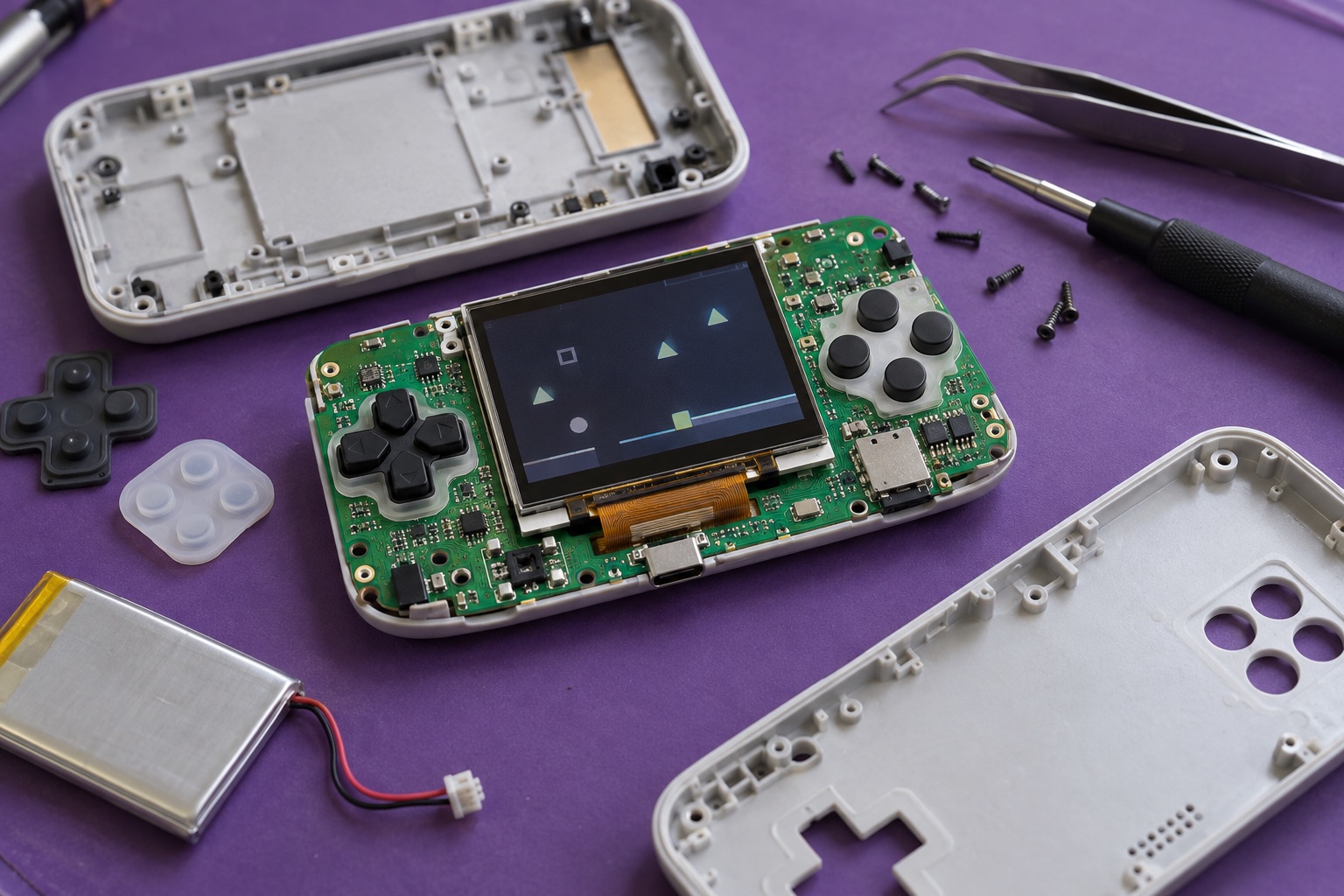
AI-generated engineering illustration, not a verified H700 product photograph or a measured test setup.
Quick Answer#
H700 is relevant to compact Linux handhelds and multimedia devices, but the processor name alone does not predict the quality of the finished experience. Evaluate frame pacing, input response, display behavior, firmware maintenance, and battery operation on the exact device. A system that reaches an average frame-rate target can still feel inconsistent or lose user data during ordinary power events.
Use lawful, reproducible workloads such as your own applications, homebrew software, and appropriately licensed test content. This guide offers a documentation-based evaluation process. It does not claim game compatibility lists, measured battery runtime, or independent benchmark results.
Identify The Actual Hardware#
Allwinner’s H700 brief positions the chip as a multimedia platform. As a concrete product example, ANBERNIC’s RG40XX H listing identifies an H700 quad-core Cortex-A53 configuration and a Linux-based system. That listing describes one finished device, not every possible H700 implementation.
Record memory, storage arrangement, display panel, battery, wireless hardware, and board revision. Similar-looking handhelds can differ in these components. Firmware intended for another revision may boot while still misconfiguring audio, charging, controls, or display timing.
Keep a copy of the original recovery material and device identity before modifying firmware. Confirm the supported installation method and how to restore the supplied configuration. A reversible evaluation is more useful than a faster demonstration that leaves the device difficult to service.
Measure Frame Pacing, Not Only Frame Rate#
Average frames per second hides uneven delivery. Record frame intervals over a representative session and inspect long pauses, periodic stalls, and variability. A consistent cadence often matters more to perceived quality than a slightly higher average with frequent interruptions.
Use the same workload, software version, display settings, and power mode for comparisons. Disable unrelated differences that could change rendering cost. If one configuration uses a lower internal resolution or different synchronization policy, state that clearly rather than presenting the results as equivalent.
Include scene changes, asset loading, and background activity. Storage reads or audio processing can introduce stalls that do not appear in a short static test. Preserve enough test detail that another engineer can repeat the result without guessing.
Trace Input To Visible Response#
Input latency includes switch scanning, driver handling, application scheduling, rendering, buffering, and display scanout. A responsive CPU does not remove delays elsewhere in that chain. Define the measurement boundary before comparing firmware configurations.
Where practical, use a repeatable physical trigger and visual capture method. Report the uncertainty and sampling method. A subjective impression is useful for usability feedback, but it should not be presented as a precise latency measurement.
| Experience | Useful Evidence | Hidden Variable |
|---|---|---|
| Smooth motion | Frame-interval distribution | Synchronization and buffering |
| Responsive controls | Input-to-display delay | Scanout and application queues |
| Stable sound | Underruns and timing drift | Audio buffer configuration |
| Reliable loading | Storage latency distribution | Card quality and filesystem state |
| Consistent sessions | Long-duration traces | Heat and background services |
Test all controls, including combinations and repeated use. Mechanical feel, debounce behavior, and mapping correctness are part of the product experience. A processor comparison that ignores the input hardware can misattribute a device-level weakness to silicon performance.
Treat Firmware As A Maintained Product#
Identify the kernel, boot components, graphics drivers, and application versions in the installed image. Determine whether the image has a documented source and release process. Community activity can be valuable, but popularity is not a substitute for knowing what is installed.
Keep configuration changes reviewable. Performance tuning may alter power management, synchronization, or scheduling in ways that affect stability. Change one factor at a time and retain a known-good baseline so improvements and regressions can be attributed correctly.
Review network exposure if wireless features are enabled. Remove unnecessary services and default credentials where applicable. A handheld used mainly offline can still become a networked computer with update and privacy obligations once remote access or downloads are enabled.
Evaluate Storage And Save Integrity#
Use storage suited to the actual workload and verify its authenticity through reputable sourcing. Slow or unreliable removable media can produce freezes that look like CPU limitations. Measure loading and write behavior separately from rendering performance.
Test interrupted saves and unexpected shutdowns using disposable test data. Distinguish a filesystem that mounts from an application record that remains valid. Atomic replacement, backups, and clear shutdown behavior can matter more than raw sequential write speed.
Keep system software and user data recovery procedures explicit. Document which files must be backed up and which can be reconstructed from the release image. A firmware update should not silently erase valuable configuration or user-created content.
Measure Battery Life Under Representative Use#
Record display brightness, sound level, wireless state, workload, battery condition, and ambient temperature. These variables can change runtime substantially. A low-brightness idle measurement should not be presented as typical interactive battery life.
Measure charging and low-battery transitions as part of usability. Check whether the device gives sufficient warning, preserves state, and shuts down predictably. Confirm the recommended charging equipment and avoid inferring fast-charging behavior from connector shape alone.
Thermal comfort matters in a handheld because the enclosure is continuously touched. Observe sustained operation, not just a short performance run. Keep any temperature or comfort claim tied to the specific enclosure and workload rather than the H700 name in general.
Check Audio And Display Together#
Audio interruptions can reveal scheduling or buffering problems even when video appears acceptable. Test headphones and speakers where supported, volume changes, pause and resume, and transitions between applications. Record whether defects follow a particular software configuration.
For display evaluation, inspect viewing angles, brightness consistency, scaling, and text readability. A higher nominal resolution is not automatically better if the interface scales poorly. Evaluate the actual content and viewing distance expected from the product.
Check synchronization during long sessions. Small timing mismatches can accumulate into drift or periodic correction. Keeping audio and video tests together helps expose problems that separate component checks would miss.
Make The Buying Or Design Decision#
Compare complete devices or boards against the same acceptance criteria. Include firmware recovery, replacement parts, supplier communication, and storage quality alongside performance. The lowest purchase price can be offset by time spent resolving undocumented behavior.
For a custom H700 design, obtain board-level and software documentation before committing tooling. A consumer product’s successful use of the processor does not establish that its integration work is available for reuse. Clarify licensing and support for every software component you intend to ship.
FAQ#
Does H700 guarantee a particular software compatibility list? No. Results depend on the application, firmware, graphics path, configuration, and device design. Use lawful workloads and reproduce tests on the exact product.
Why can two H700 handhelds feel different? Displays, controls, storage, cooling, firmware, and buffering can differ. Those factors affect latency and consistency even when the processor family is the same.
What should a trustworthy performance report include? Hardware revision, software versions, workload, settings, duration, frame pacing, and relevant power conditions. Clearly separate measured results from subjective impressions.
Sources And Related Guides#
For supporting hardware decisions, see the storage guide, thermal design guide, and BSP evaluation checklist.
Reviewed October 27, 2026 using the Allwinner brief and manufacturer product listing linked above. Recommendations are editorial analysis, not hands-on results. Compare the H616 and H618 guide and the Allwinner vendor section for other multimedia platforms.