Allwinner T527 Guide: Industrial Display and Edge AI Integration#
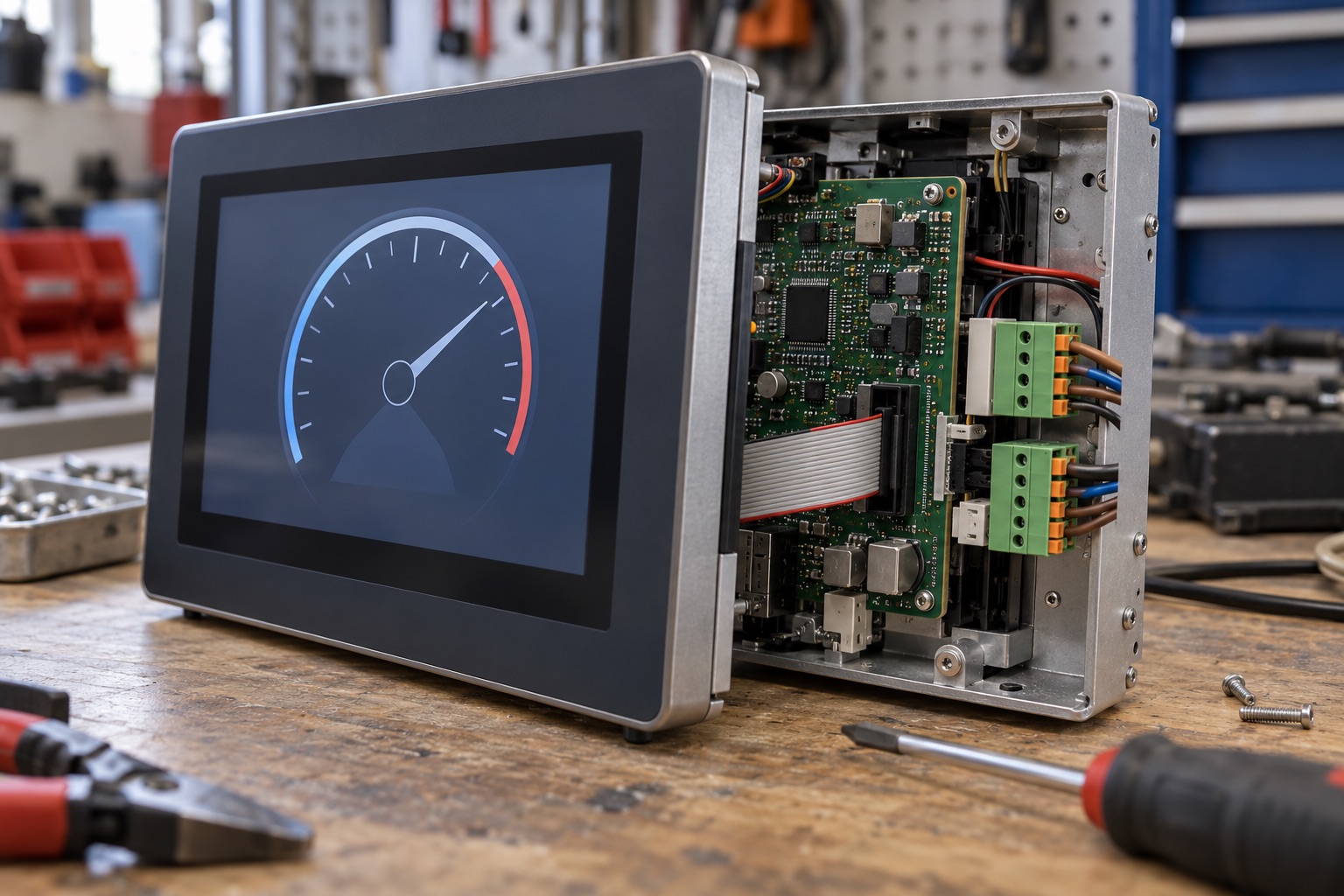
AI-generated engineering illustration, not a verified T527 board photograph or a measured test setup.
Quick Answer#
T527 is a candidate for industrial panels and embedded terminals that combine a substantial graphical interface with local processing and optional AI. Choose it by validating the exact display, module, BSP, and model toolchain. An attractive processor specification does not establish that a commercial board exposes every interface or that its software meets your maintenance requirements.
For a production HMI, dependable startup, responsive touch, recoverable updates, and environmental behavior can matter more than peak CPU throughput. This guide provides a documentation-based engineering assessment. It contains no claimed independent measurements or certification of a finished industrial product.
Separate Silicon Features From Board Features#
The Allwinner T527 product page lists eight Cortex-A55 cores, Mali-G57 graphics, and a 2 TOPS INT8 NPU. It also describes an E906 microcontroller and HiFi4 DSP. These processing blocks have different software roles and should not be combined into a vague performance claim.
Record the exact part and module configuration. Memory type, storage, power circuitry, and peripheral routing can differ between products carrying the same processor. A board may omit optional components or reserve pins for functions that conflict with your intended expansion.
Ask for an interface matrix showing simultaneous usage, not just a list of supported interfaces. Pin multiplexing and shared clocks can constrain combinations. Confirm the chosen configuration in schematics and a working BSP before freezing the carrier-board design.
Start With The Panel And Interaction Model#
Specify resolution, refresh rate, interface, touch controller, backlight control, and startup behavior. A display-interface name is not enough to prove compatibility with a particular panel. Timing requirements and initialization sequences must match the actual component.
Test the intended graphics framework with production assets and the most demanding screen. Include trend charts, multilingual text, image decoding, and rapid navigation where relevant. A static menu demonstration does not represent a data-heavy operator interface.
Measure input-to-feedback latency under load. Operators notice delayed touch response even when average frame rate is acceptable. Include background data acquisition, network traffic, logging, and inference so the interface is evaluated as part of the product rather than in isolation.
Choose The Software Baseline Deliberately#
Clarify whether the supplier supports an Android image, a Linux distribution, or an Allwinner-oriented SDK workflow. Similar screenshots can hide very different build systems and maintenance obligations. Select the baseline that matches the application and the team’s ability to maintain it.
Request source revisions, build instructions, package manifests, and the list of binary dependencies. Determine who owns display drivers, camera tuning, accelerator libraries, and security updates. A supplier image without a reproducible origin is difficult to sustain after the initial project team changes.
| Deliverable | Evidence To Request | Risk If Missing |
|---|---|---|
| BSP | Clean build instructions and revisions | Unreproducible releases |
| Panel support | Exact timing and touch configuration | Intermittent startup failures |
| AI runtime | Converter and supported model example | Late compatibility surprises |
| Recovery | Tested production procedure | Expensive field returns |
| Maintenance | Named owner and release policy | Unpatched deployed software |
Keep development and production configurations distinct but comparable. Debug services and permissive settings can conceal deployment problems. Run final acceptance tests using the security, logging, and update settings intended for shipment.
Evaluate The NPU Through A Real Model#
The advertised INT8 figure describes a numerical execution capability, not the accuracy or frame rate of your application. Convert a representative model with the supported toolchain and inspect the operator report. Establish where unsupported work executes.
Compare accuracy before and after quantization using held-out data from the deployment domain. Include preprocessing in the comparison. Color conversion, resizing, and normalization errors can cause larger regressions than the numerical representation itself.
Measure inference together with the interface and any camera or video pipeline. Shared memory traffic can change results substantially. A panel that meets its AI target only when the display is inactive has not met a combined HMI requirement.
Assign The MCU And DSP Real Responsibilities#
Additional processing blocks are useful only when the software architecture can use them. Confirm the available firmware tools, peripheral access, and communication mechanism before assigning a control or audio workload. Do not assume that every advertised block comes with a ready-made production application.
Define ownership of shared peripherals and memory. Include reset behavior and compatibility between firmware images. If the application side restarts, the smaller processing domain needs a clear policy for continuing, stopping, or reinitializing its work.
For timing-sensitive control, establish requirements and evidence independently. A processor containing an MCU does not automatically make the whole HMI deterministic or safety-qualified. Keep operator-interface duties separate from control responsibilities that require stronger assurance.
Validate Environmental Claims At Assembly Level#
A chip temperature rating does not certify the finished panel for that environment. Memory, storage, regulators, display, touch sensor, connectors, and enclosure all contribute limits. Obtain specifications for the complete assembly rather than copying one component’s rating into the product datasheet.
Test cold startup and sustained hot operation with the intended supply and mounting arrangement. Capture display initialization, touch behavior, storage errors, clocks, and application latency. A product may boot successfully at room temperature yet fail at an environmental extreme.
Include electrical disturbances relevant to the installation using an appropriate test process. Long cables, switching loads, and grounding differences can expose issues absent from a desktop setup. Qualified testing should support any compliance or industrial suitability claim.
Plan Recovery Before Installation#
Design an update process that checks authenticity and board compatibility, survives interruption, and provides a documented fallback. Include application data migration because reverting firmware alone may not restore compatibility with a changed database or configuration format.
Test power loss during installation and the first boot after an update. Verify that a technician can identify the running release and obtain useful diagnostics without unrestricted development access. Recovery should be practical in the installation environment.
For procurement, compare total delivered cost rather than processor price. Panel integration, thermal hardware, factory fixtures, BSP maintenance, and field support can dominate savings from a cheaper module. Preserve evidence for these assumptions in the platform decision record.
FAQ#
Does T527’s NPU guarantee a particular AI frame rate? No. Model structure, operator support, quantization, memory traffic, and concurrent display workloads affect performance. Measure the full application with the supported runtime.
Can any advertised display interface be used simultaneously? Not necessarily. Pin assignments, clocks, board routing, and BSP configuration determine valid combinations. Request an explicit interface matrix for the chosen module.
Does an industrial chip rating apply to the whole panel? No. Every relevant component and the completed assembly need suitable evidence. Display, storage, power circuitry, and enclosure conditions can impose different limits.
Sources And Related Guides#
Use the industrial HMI selection guide, display interface comparison, and BSP quality checklist to document the complete panel decision.
Reviewed October 27, 2026 using Allwinner’s official T527 product information linked above. Test methods are editorial recommendations rather than reported results. See the T113 guide for a smaller platform class and the Allwinner vendor overview for broader selection context.